The settings hub
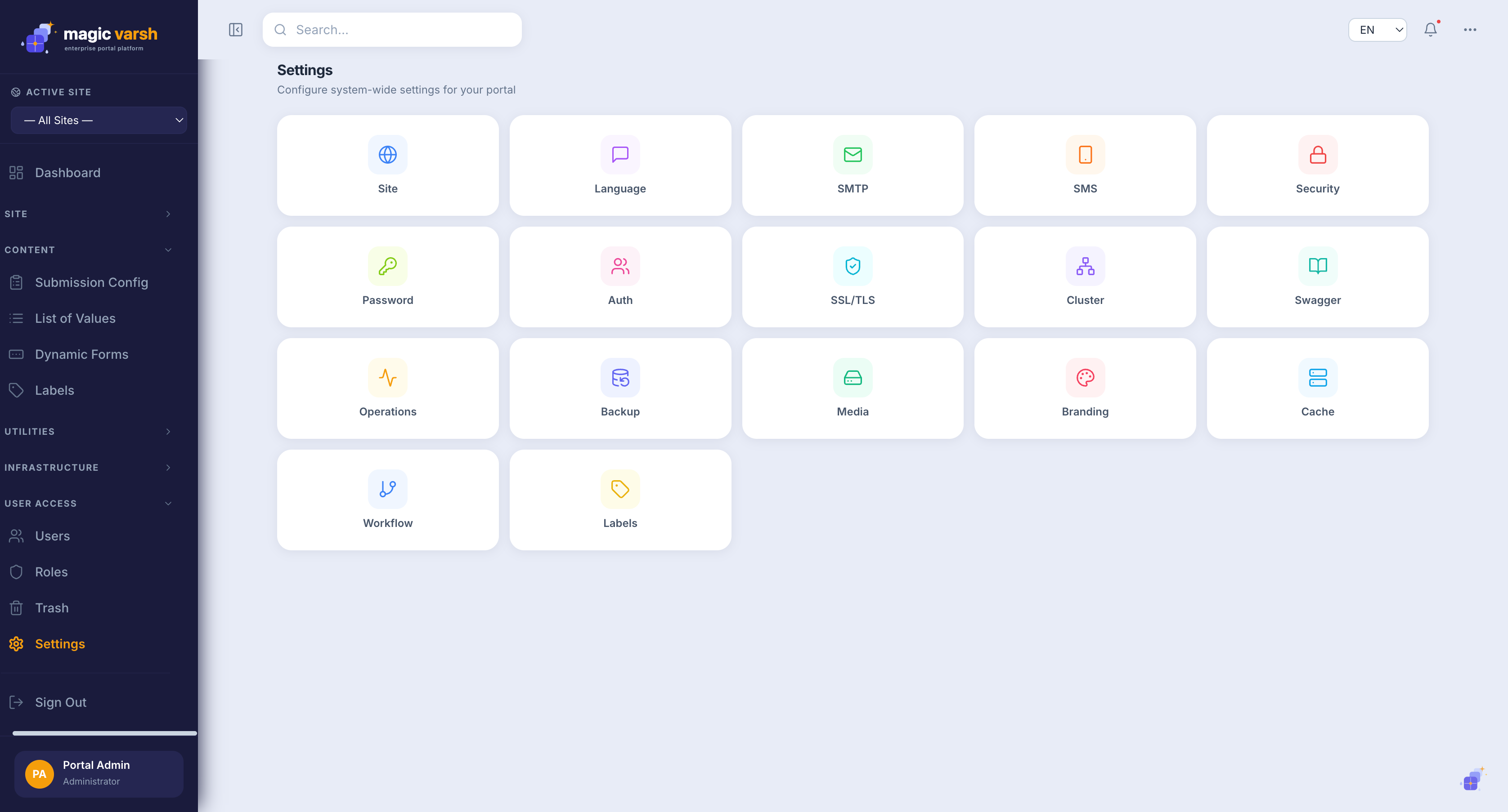
The Settings screen is a hub of configuration areas, each opened from its own tile. From here you manage everything that applies across the platform.
| Area | What it controls |
|---|---|
| Site | Core site identity and defaults |
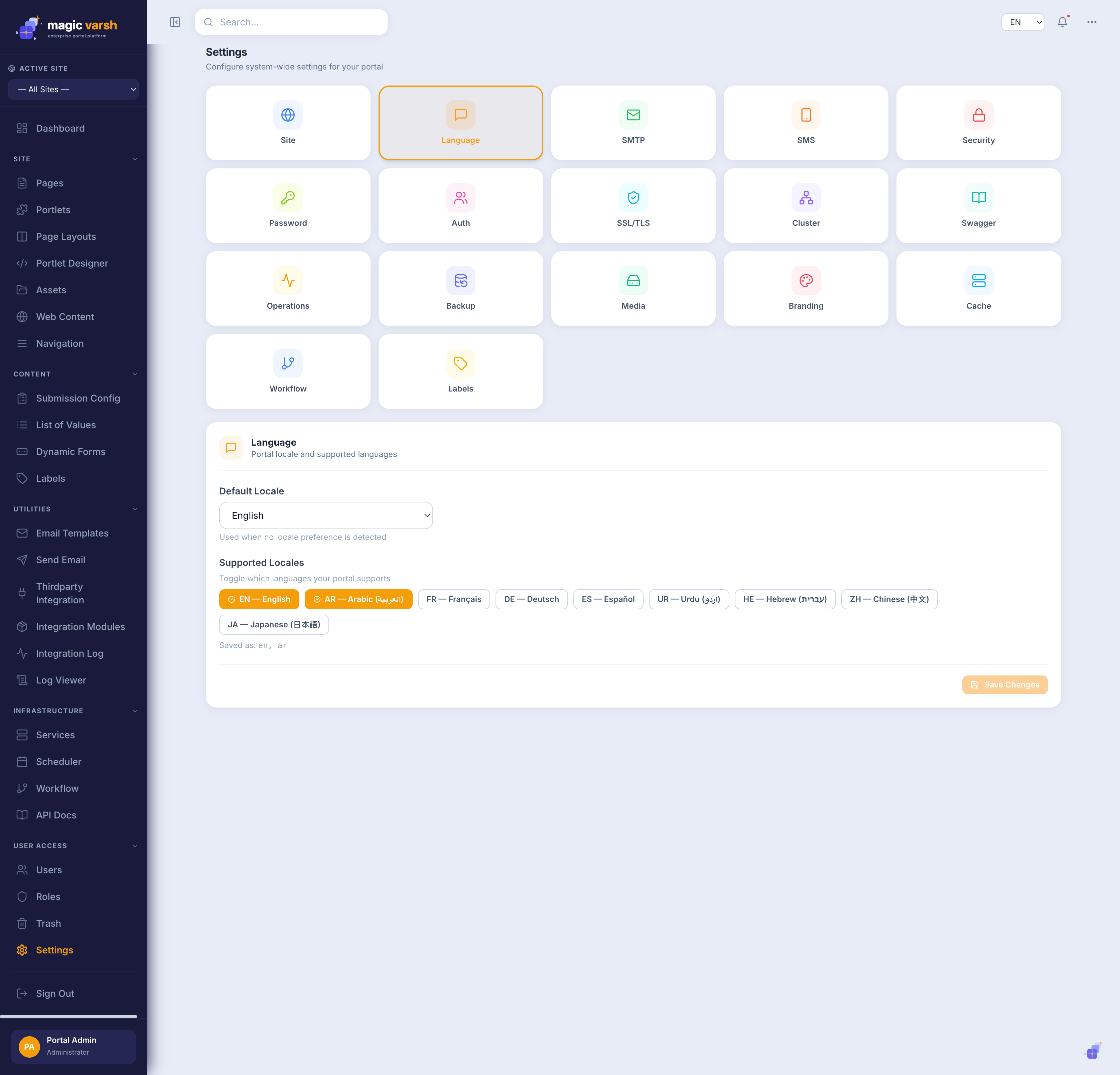
| Language | Configured languages and locale options |
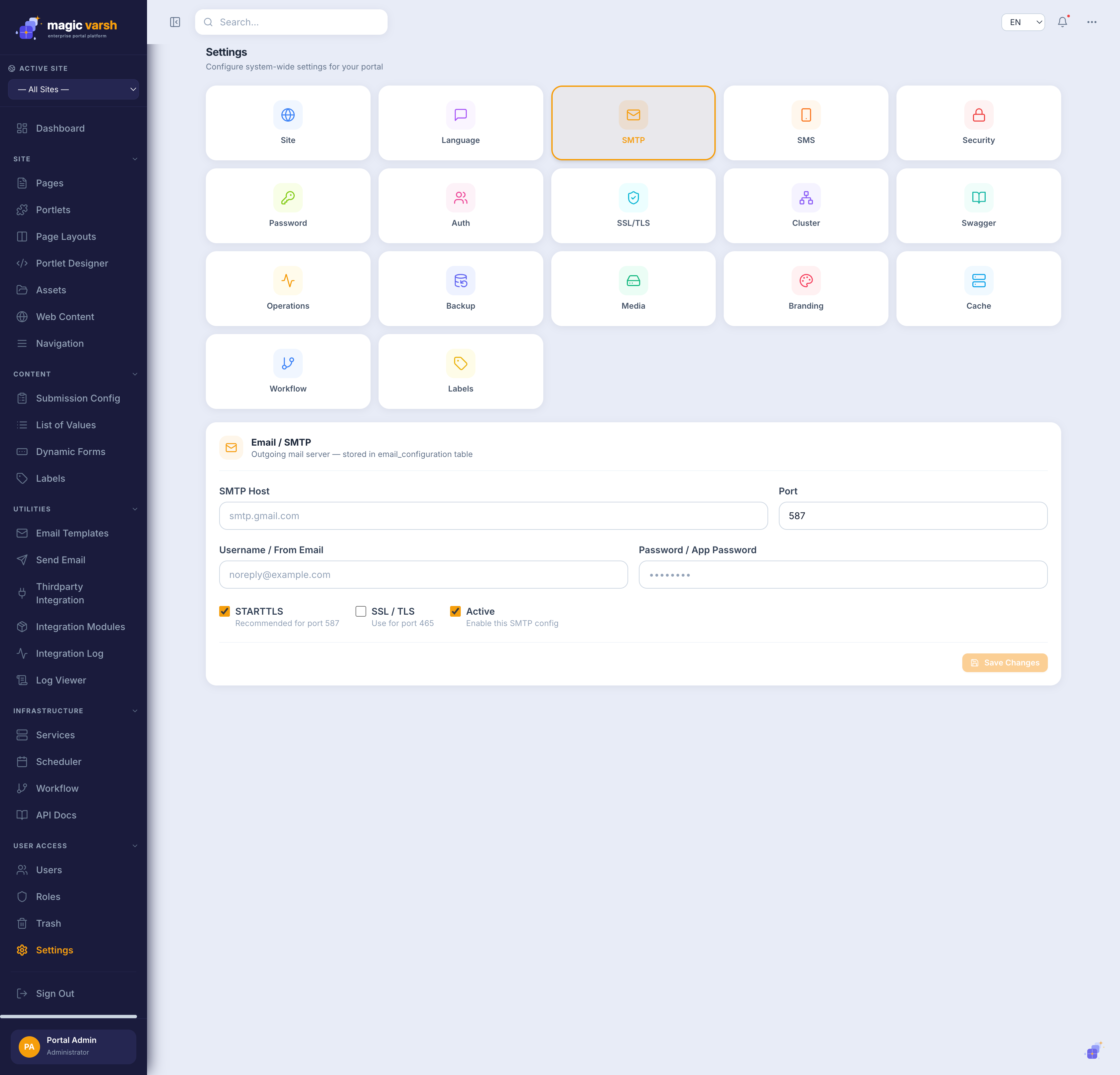
| SMTP | Outgoing email server for sending messages |
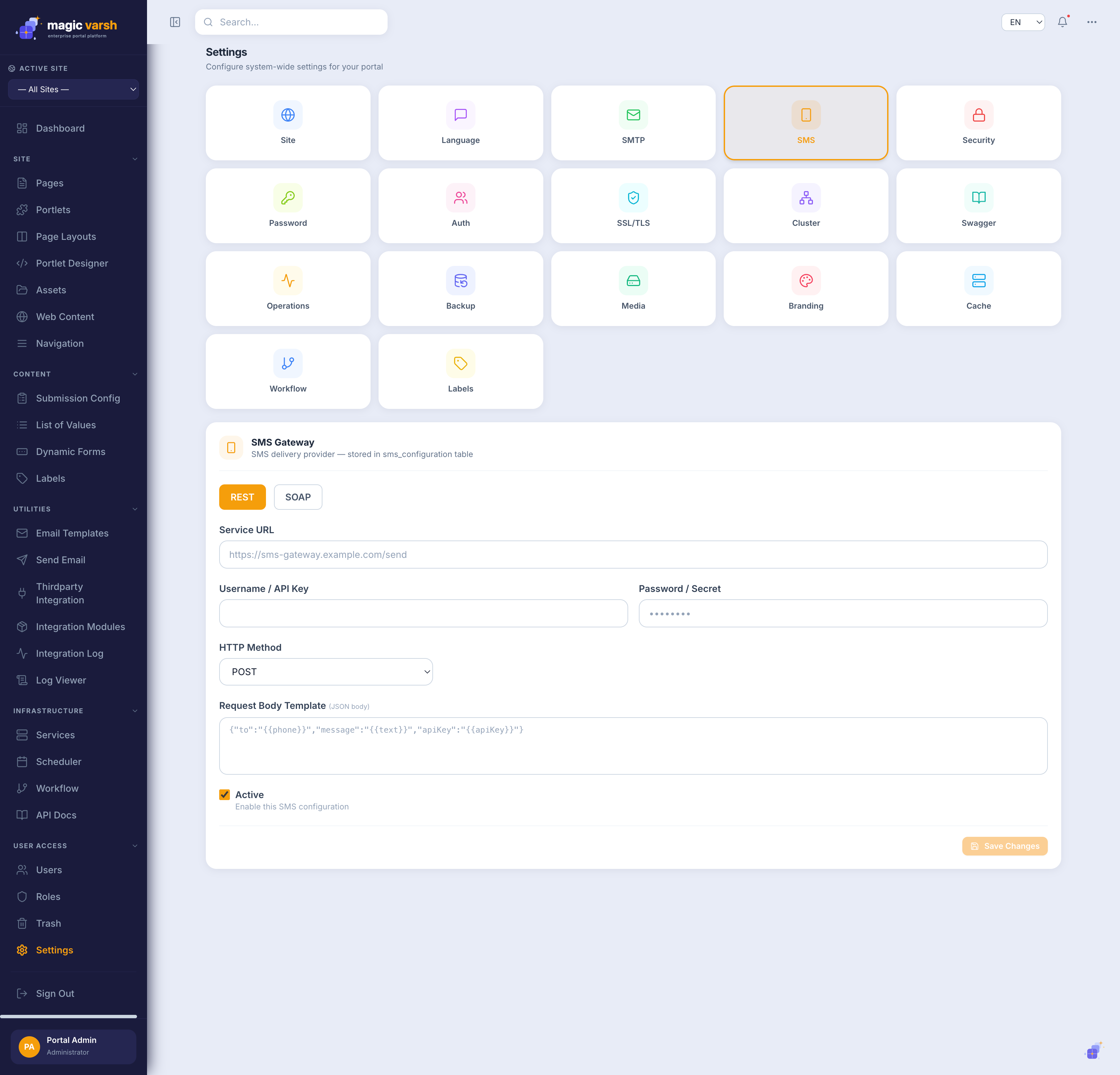
| SMS | Text-message gateway configuration |
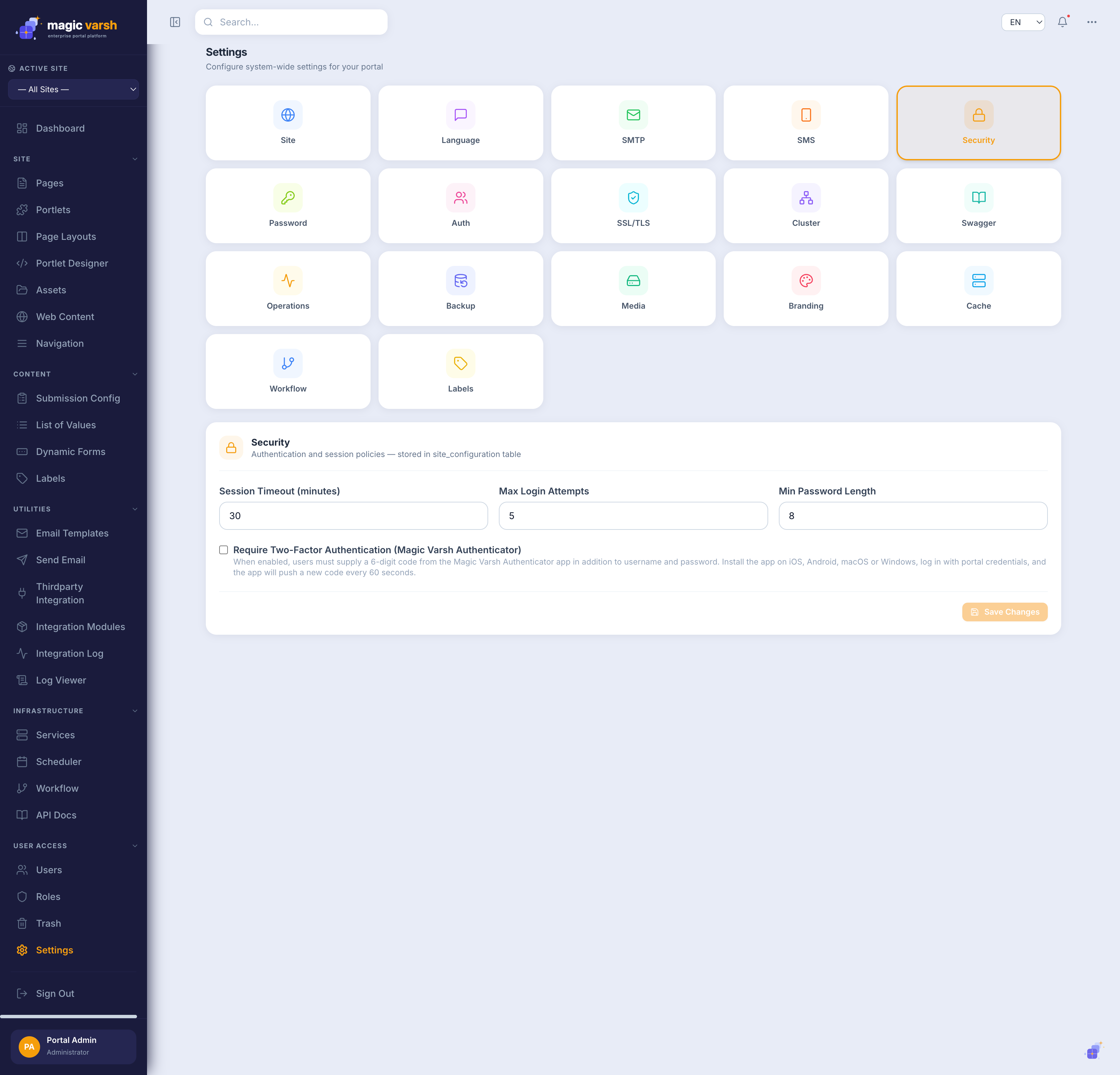
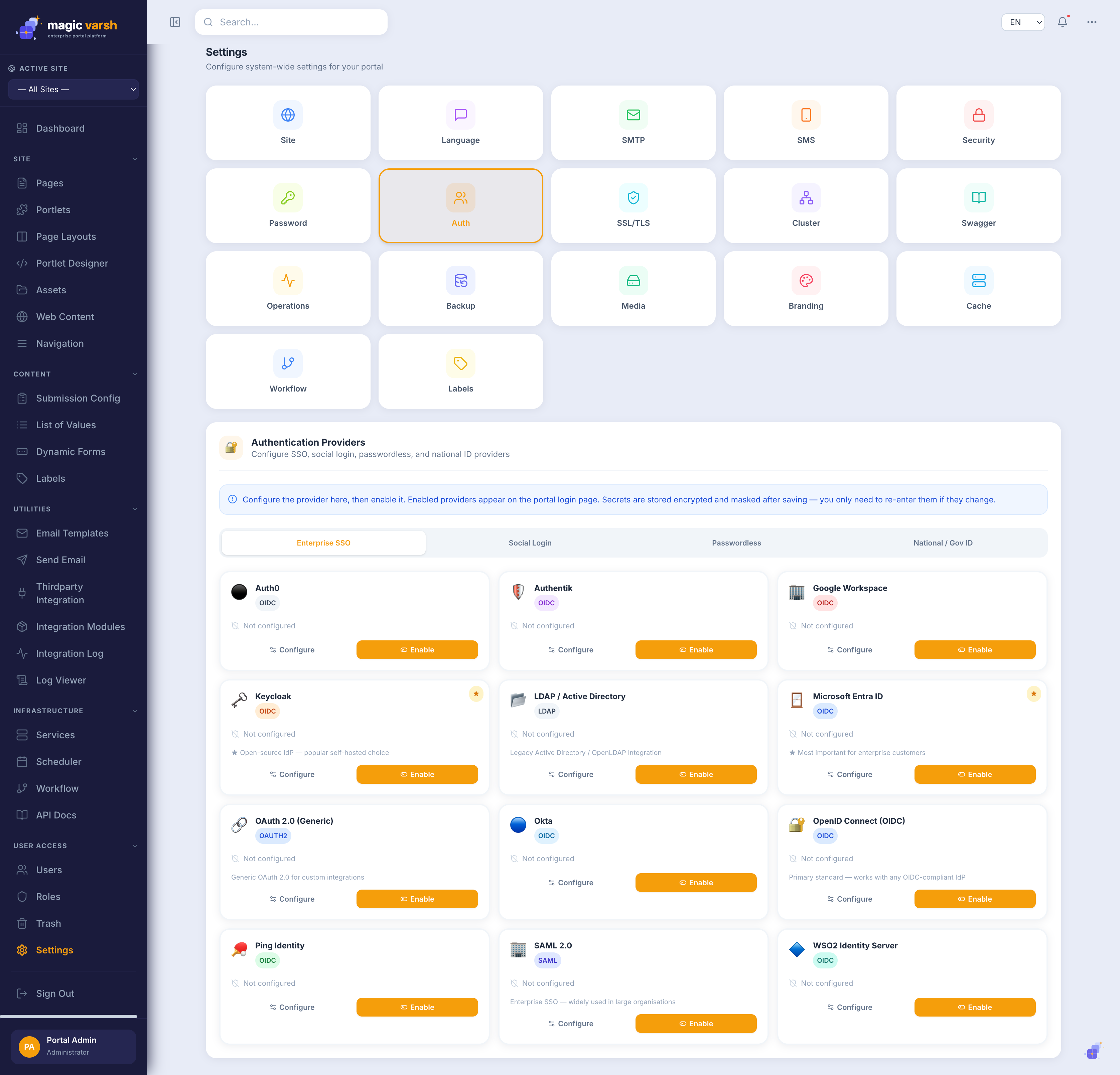
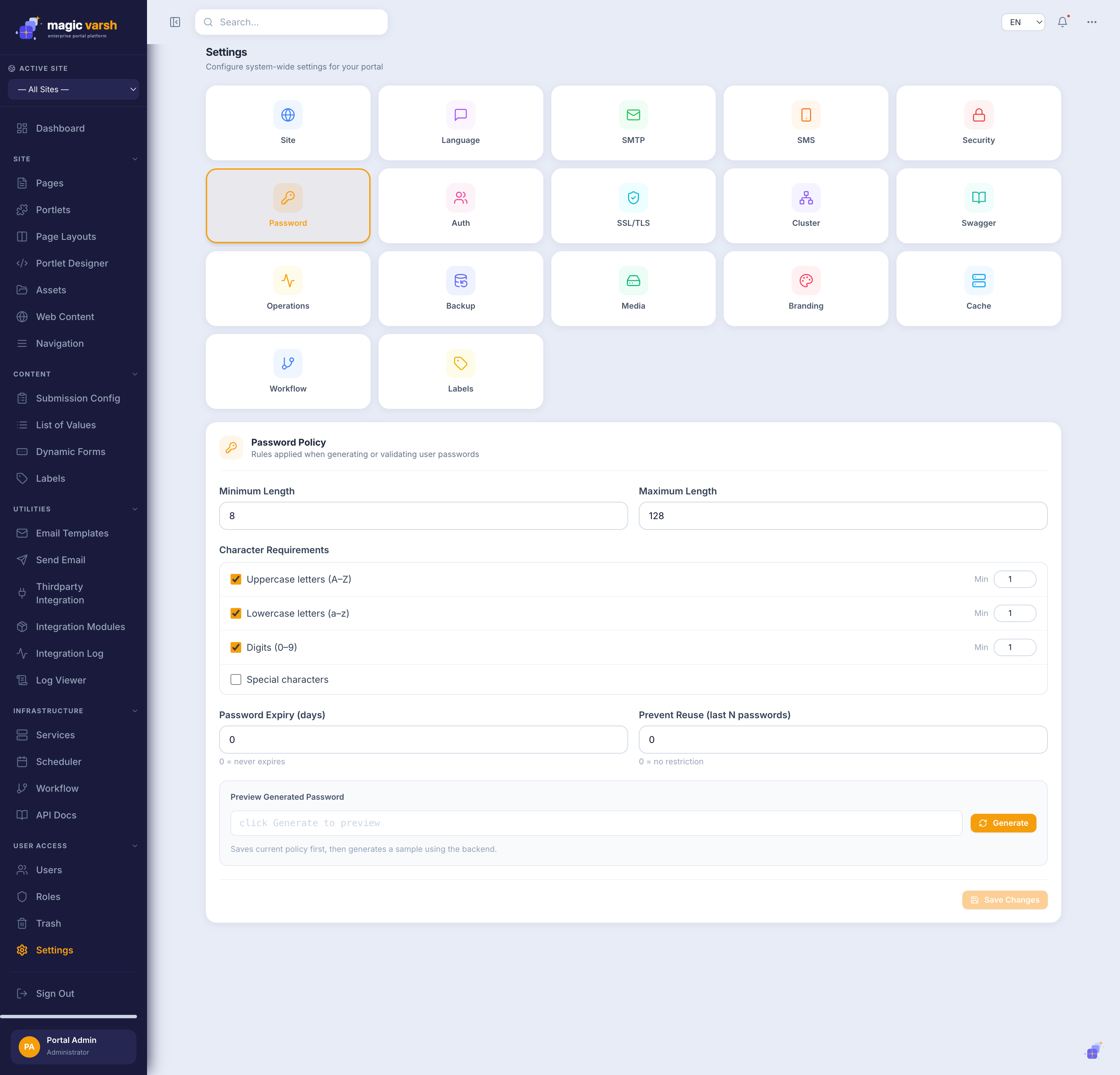
| Security / Password / Auth | Sign-in policy, password rules and authentication options |
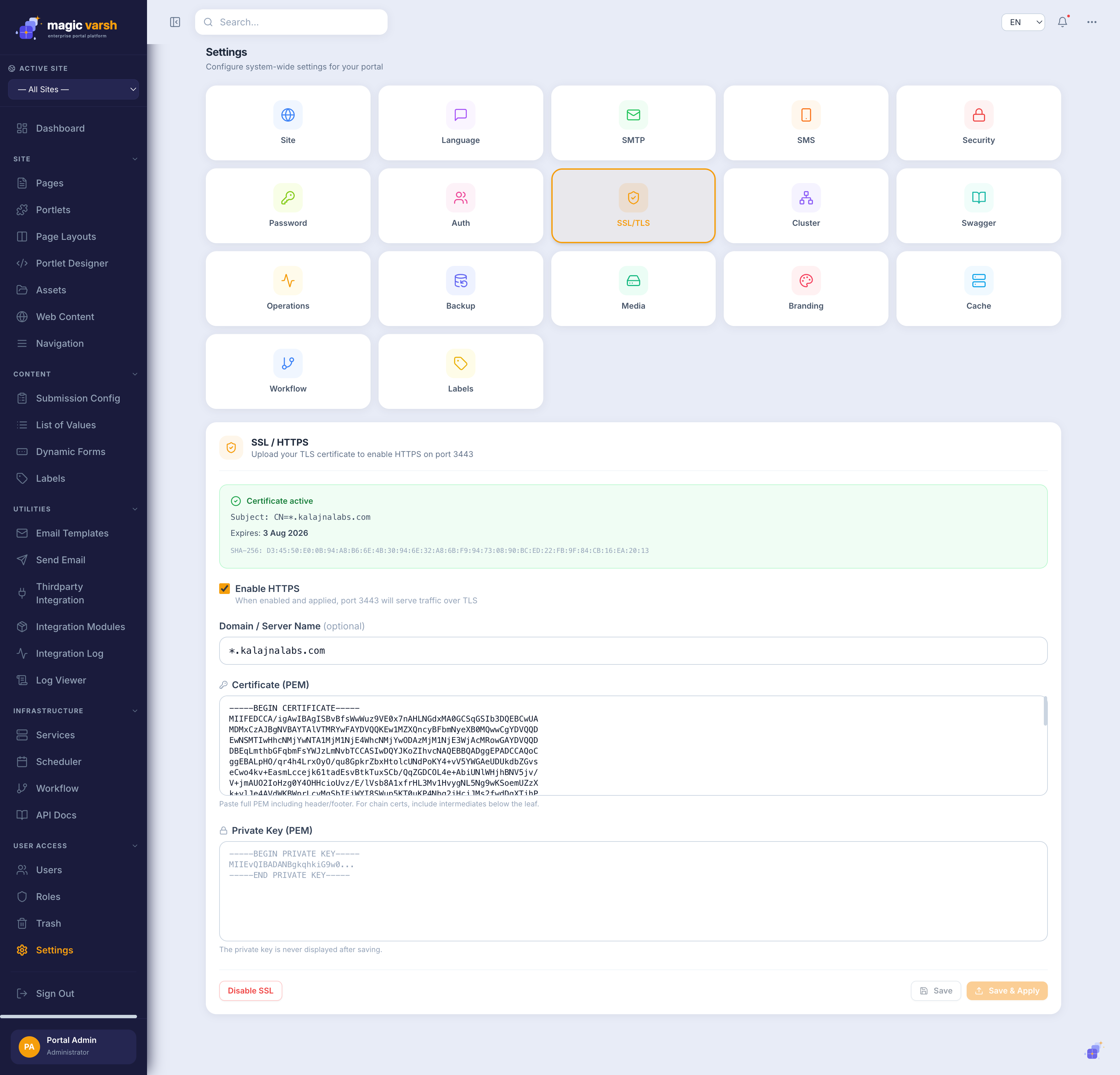
| SSL/TLS | Certificates and secure transport |
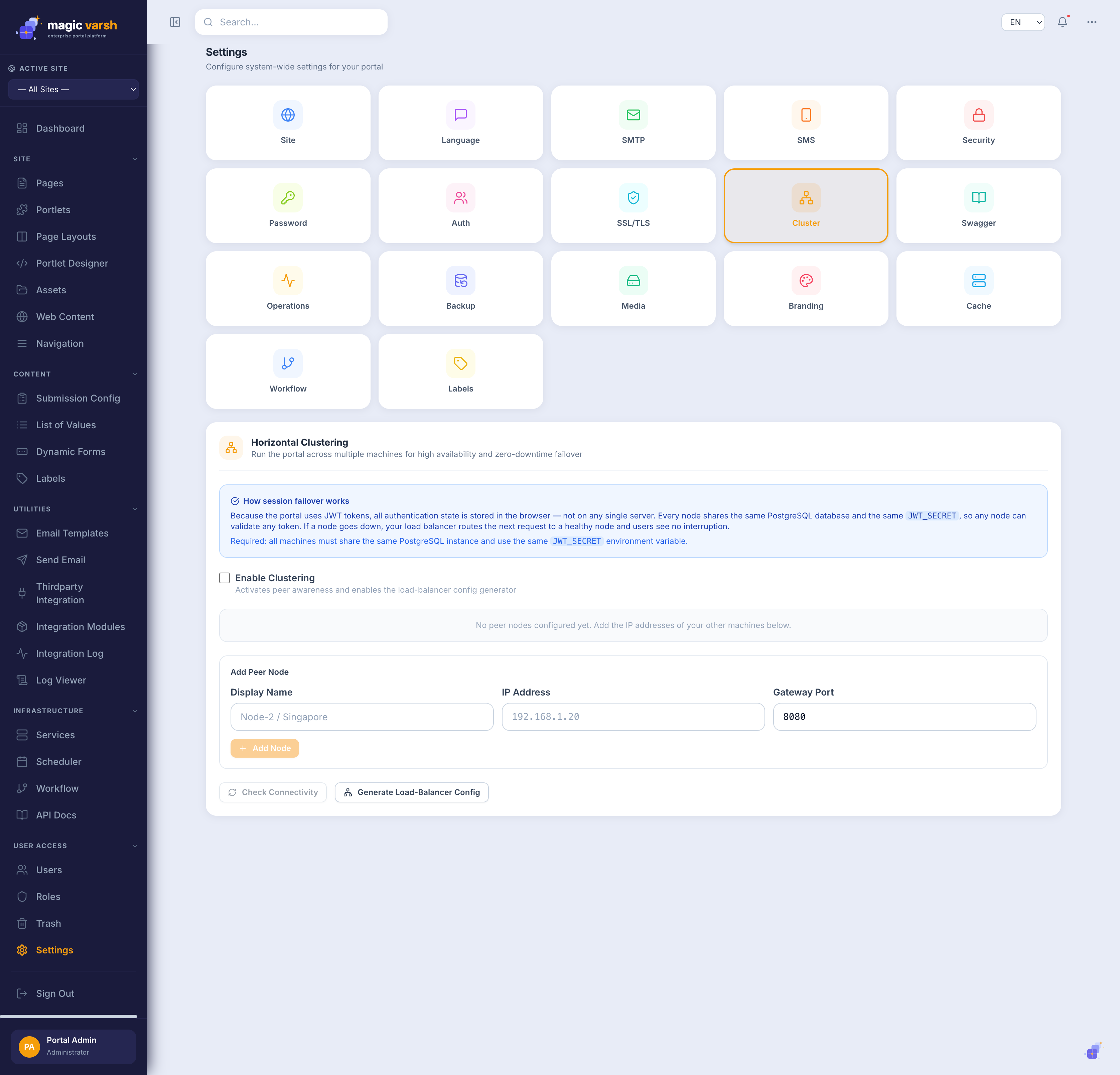
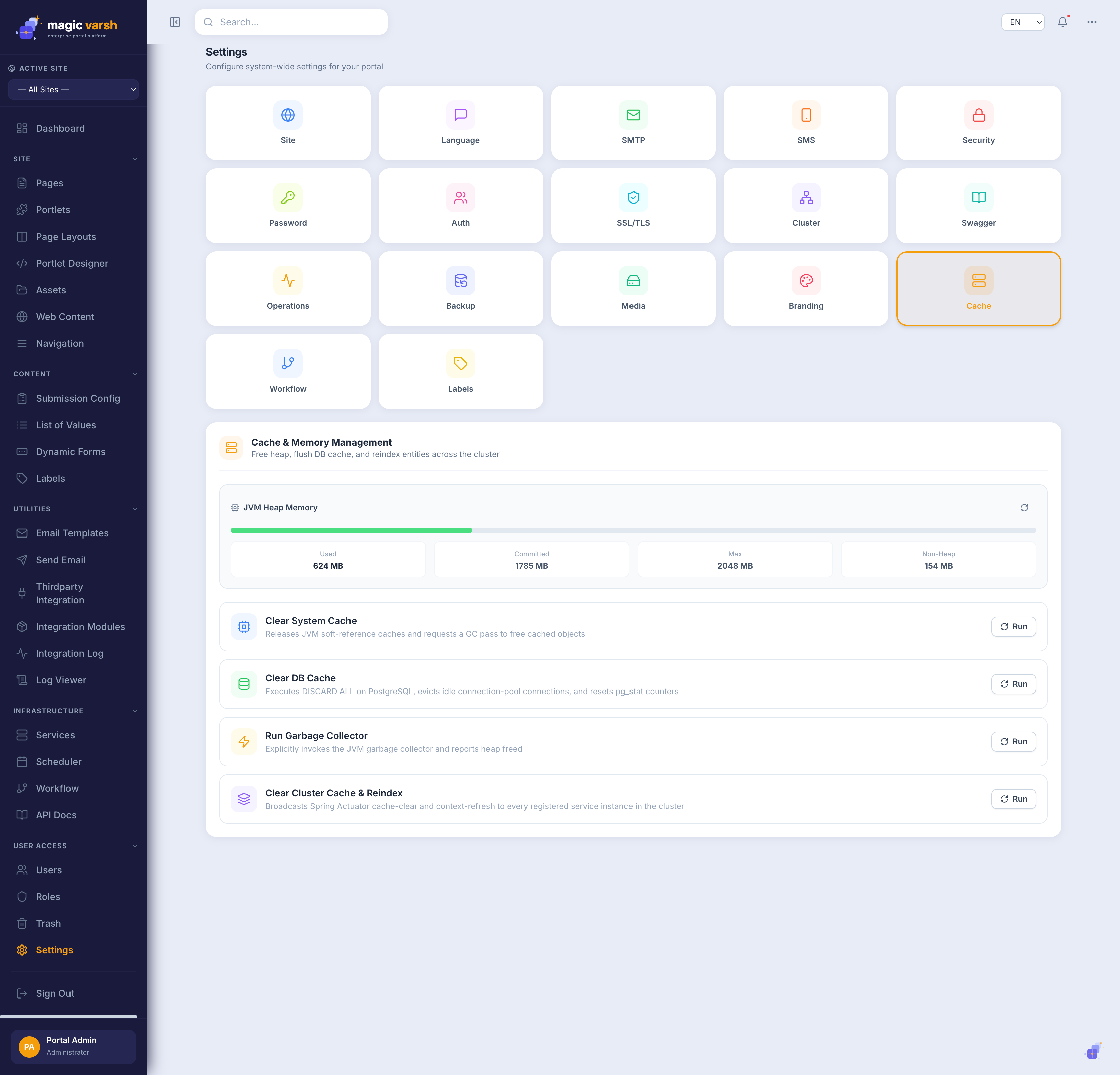
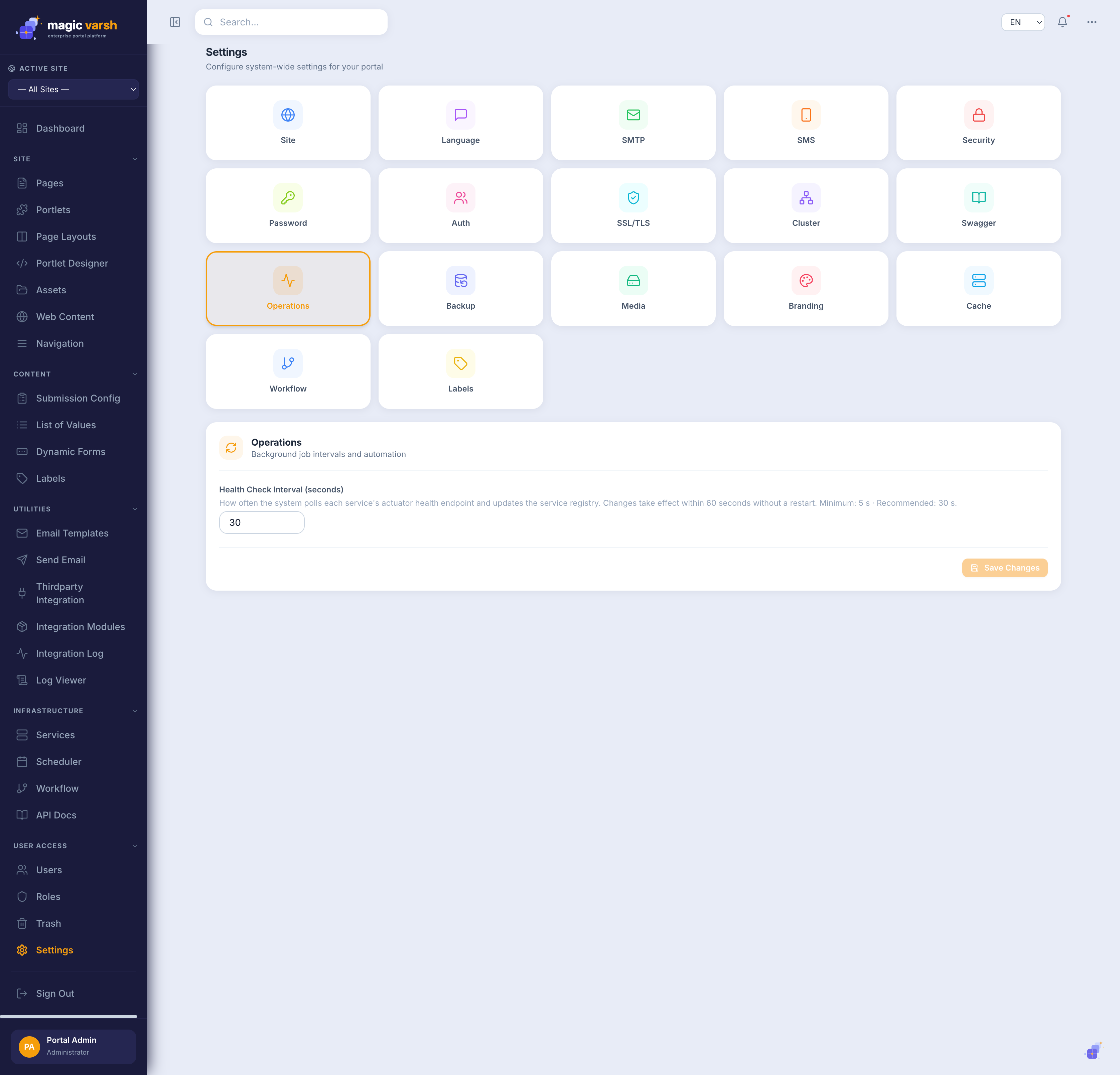
| Cluster / Cache / Operations | Runtime, caching and operational settings |
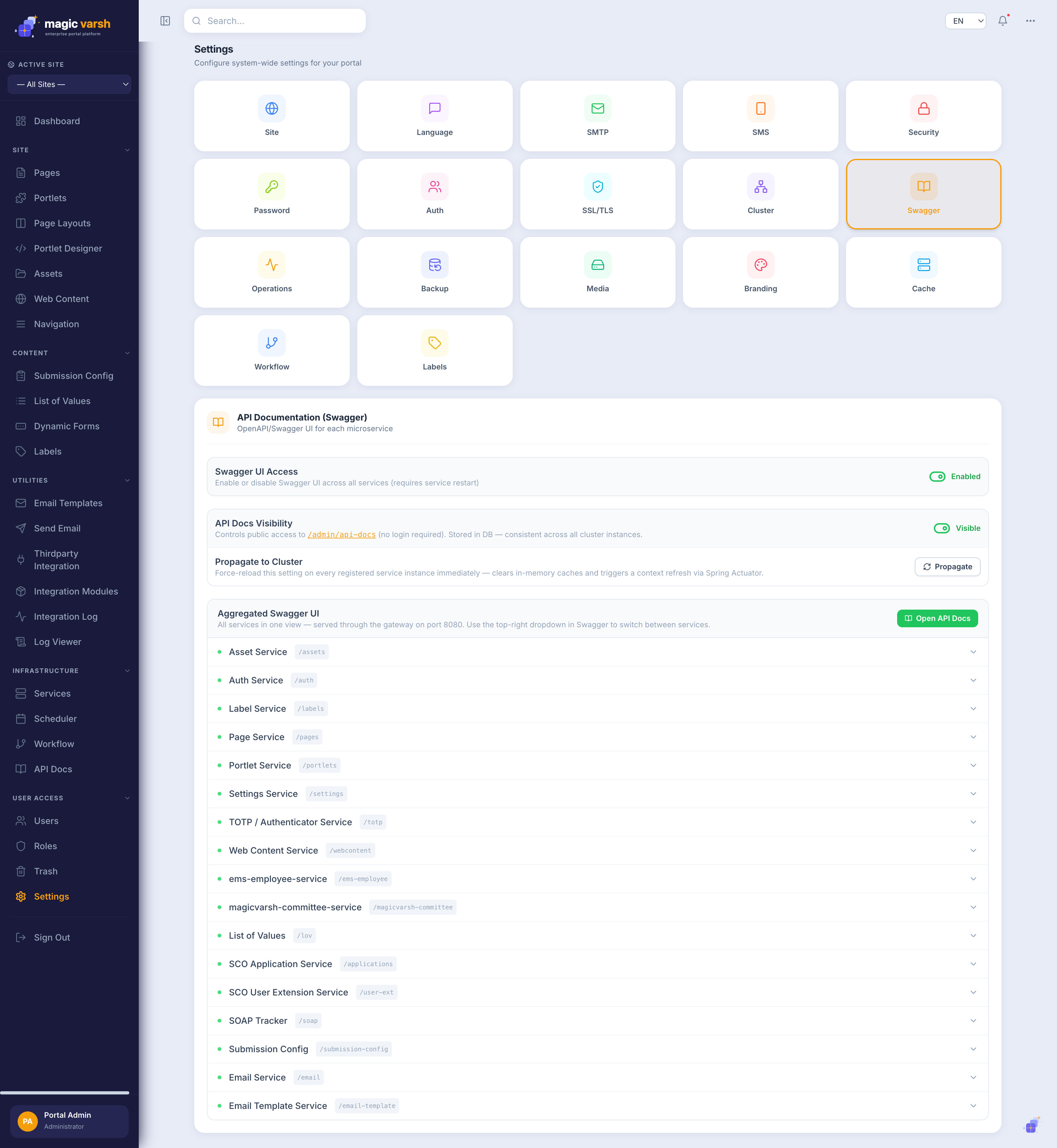
| Swagger | API documentation access |
| Backup | Data backup configuration and runs |
| Data Encryption | Encrypt selected database columns at rest |
| Domains | Custom domains and automatic TLS certificates |
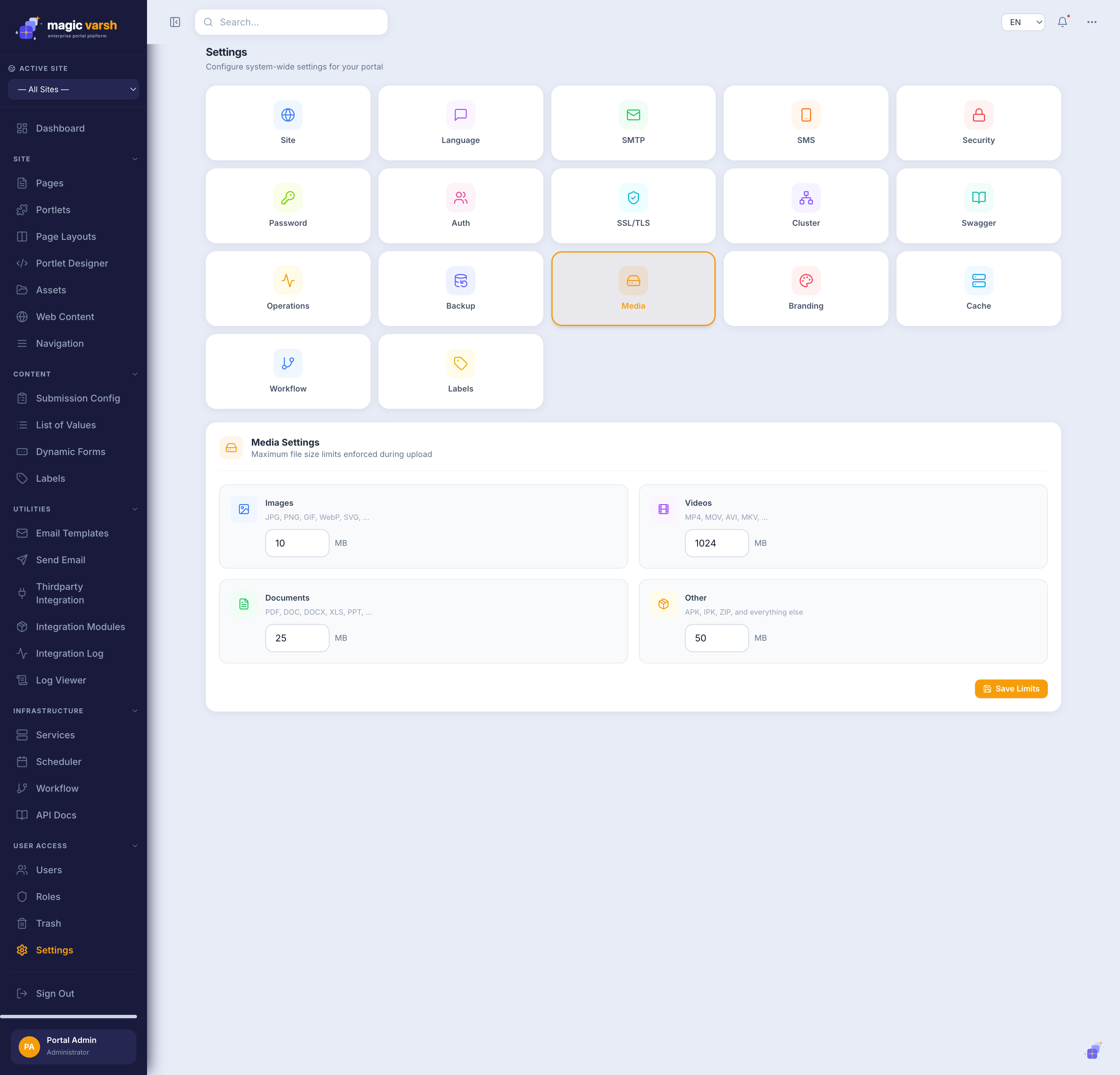
| Media | Asset and media handling |
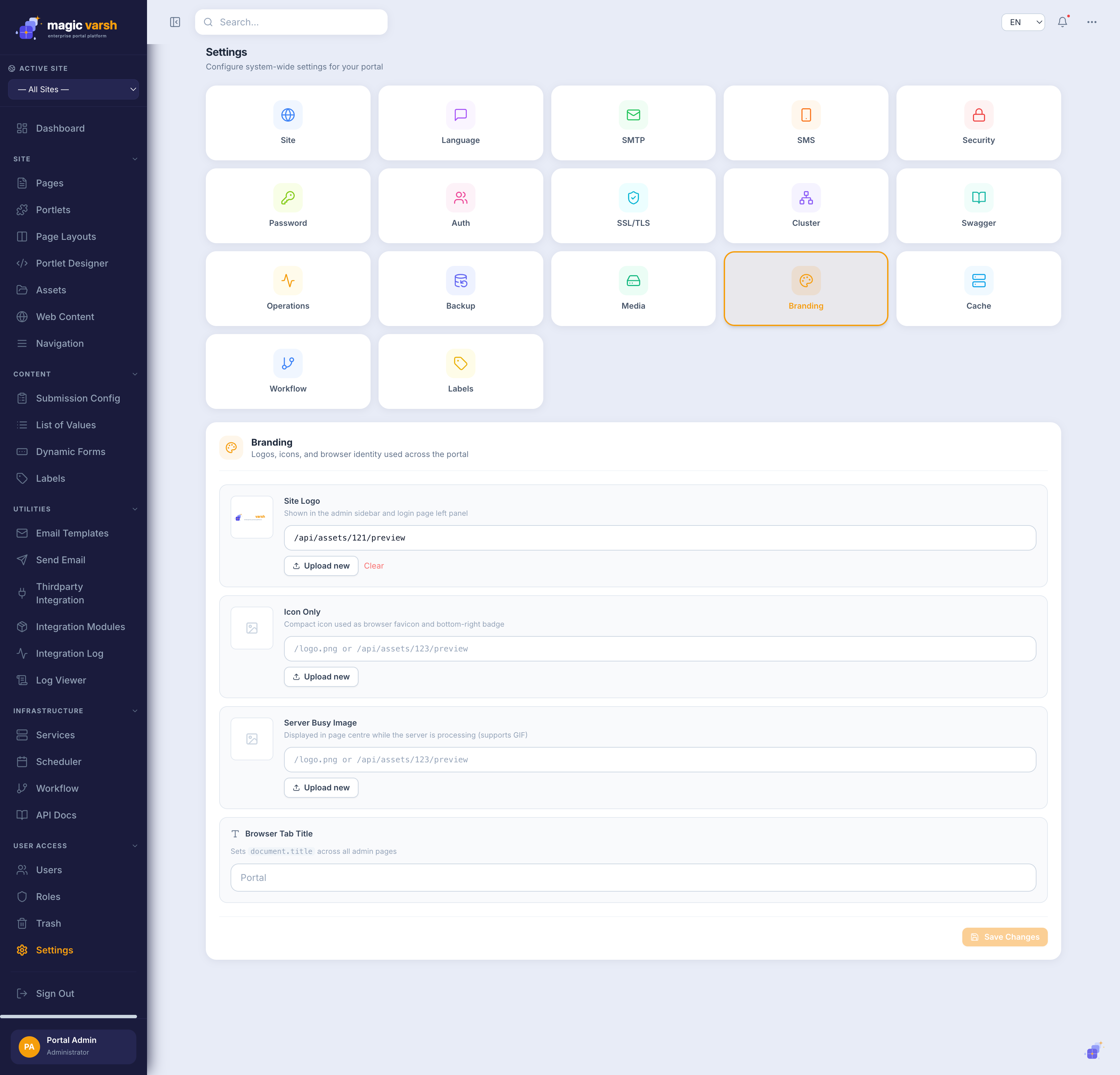
| Branding | Logos, colours and theme |
| Workflow | Review and approval flows for content |
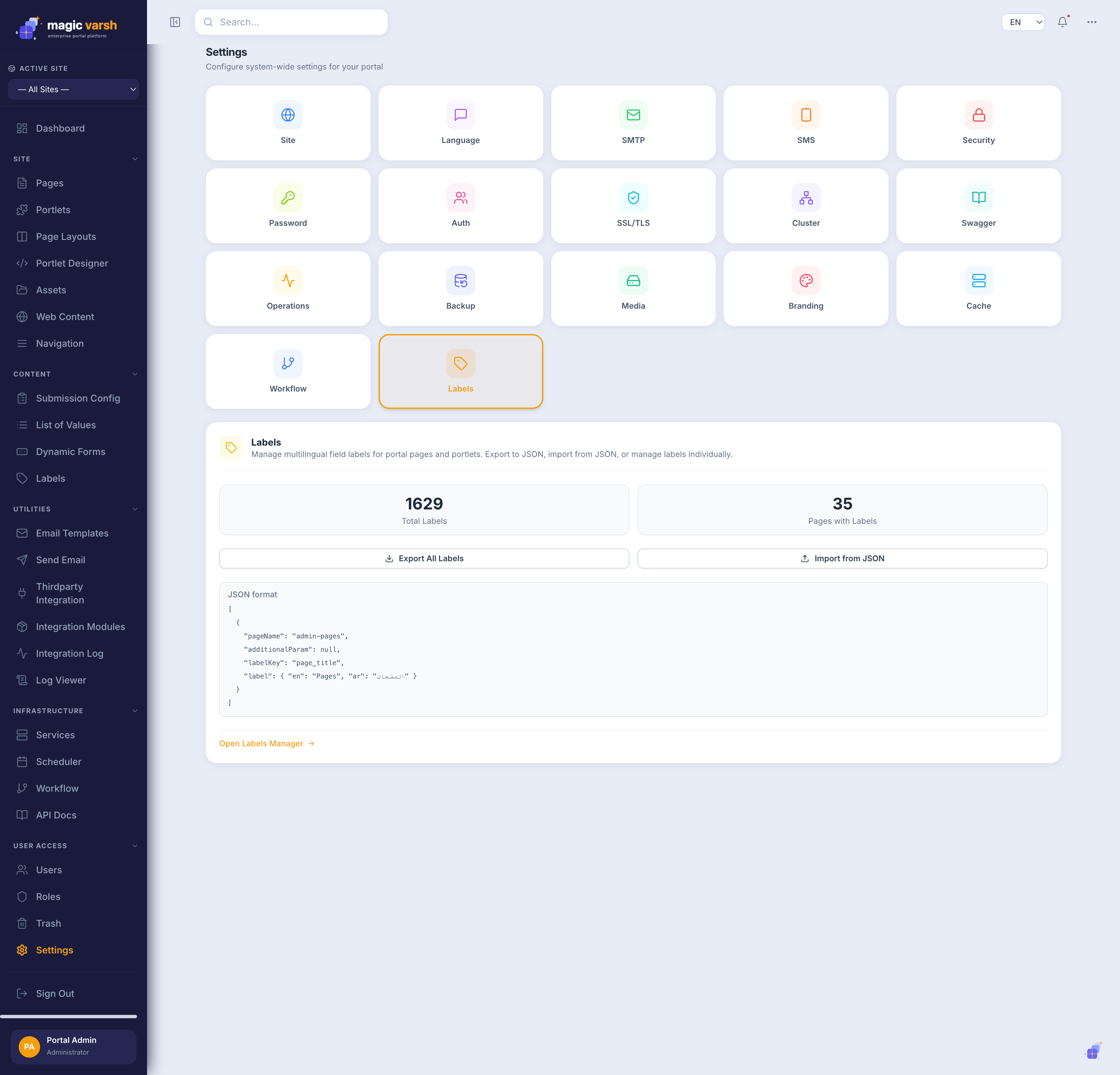
| Labels | Reusable interface text and translations |
Site & language
Site holds core identity and defaults; Language configures the languages and locales available across the portal.
Email & SMS
Configure outgoing channels: SMTP for email and SMS for text messages.
Security, authentication & password policy
Control sign-in security, authentication options and password rules.
Data encryption
Data Encryption lets an administrator encrypt selected database columns at rest — useful for sensitive fields such as national ID numbers or contact details. Browse schemas and tables, pick the columns to protect, and turn encryption on; the platform keeps reading and writing plain values everywhere else, so no other screen changes.
Branding & media
Use Branding to set your logo, colours and theme, and Media to control asset handling.
Runtime: cluster, cache, operations & Swagger
Operational areas for runtime behaviour, caching, cluster configuration and API documentation access.
Backup & restore
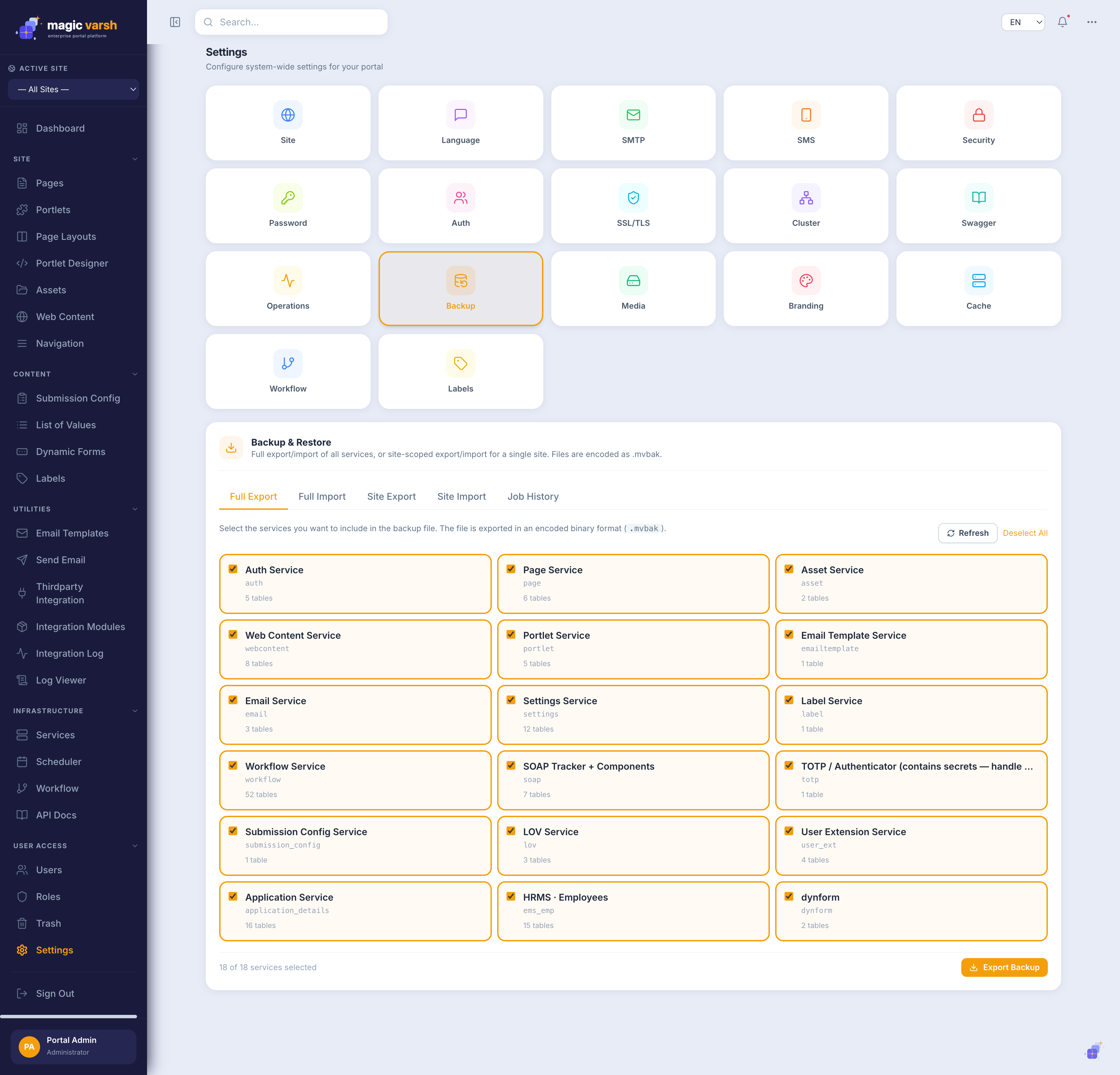
Configure and run data backups, and restore from a previous point in time. See Trash, Backup & Restore for the full picture.
Workflow
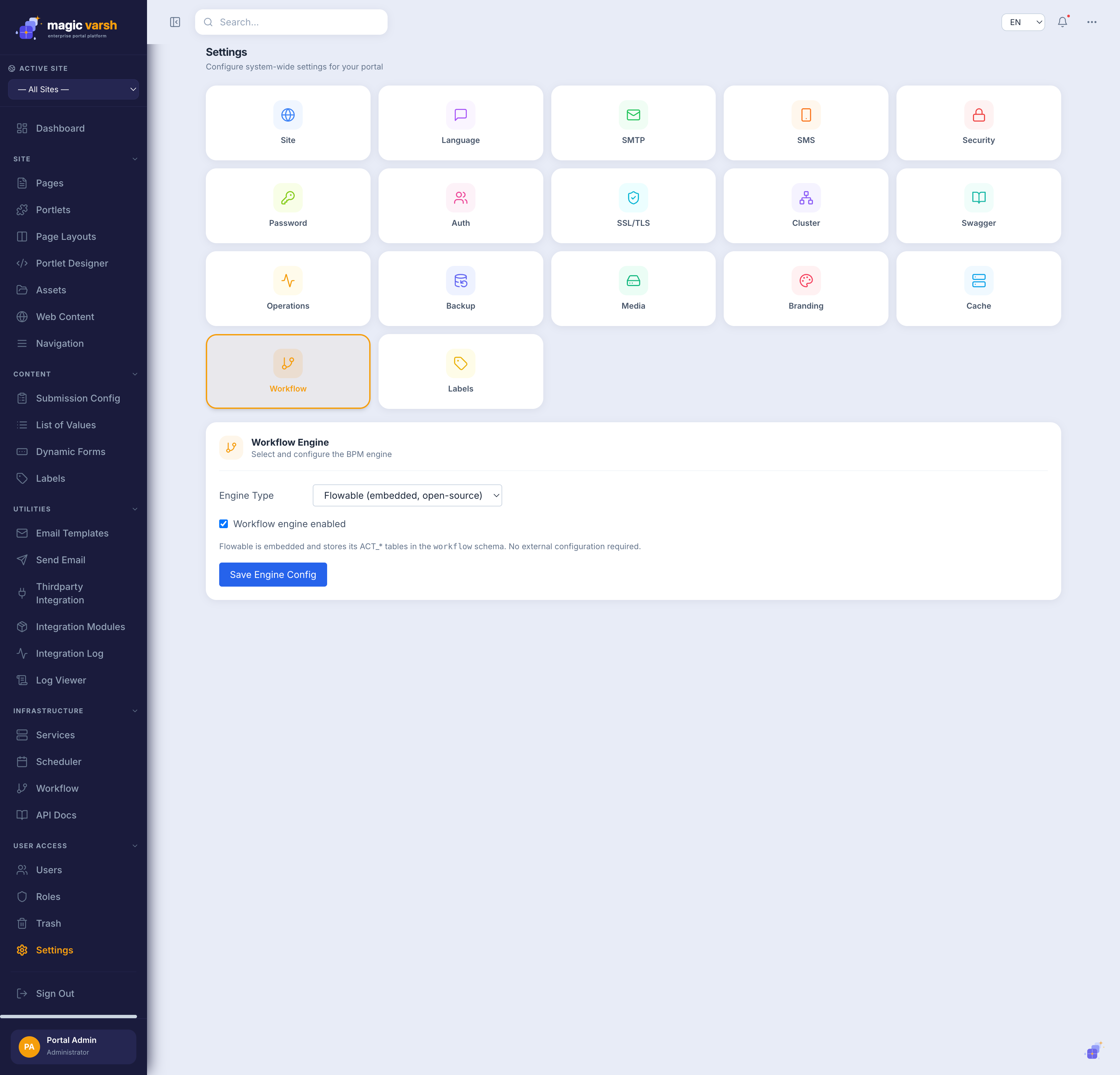
The Workflow area lets content move through review and approval steps before it goes live, so the right people sign off on changes.
Scheduler
Recurring tasks — such as publishing content on a date or sending a digest — run automatically on a timetable so you don't have to trigger them by hand.