Multilingual support is built into Magic Varsh. Content fields, page names, menus, templates and email all accept a value per language, and the platform shows the right one to each visitor.
Working in multiple languages
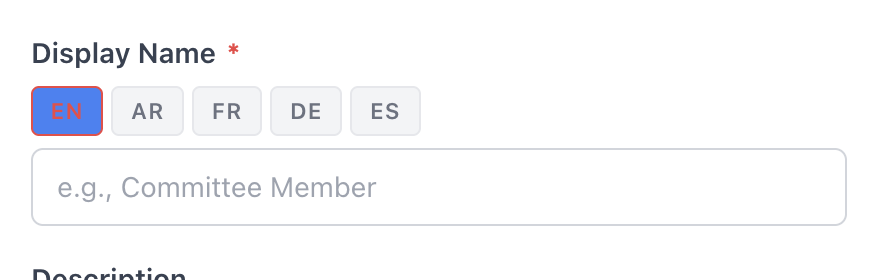
Wherever you edit content you'll see a language tab or selector. Fill in each language, and switch the interface language from the top bar. Right-to-left languages are fully supported.
Labels
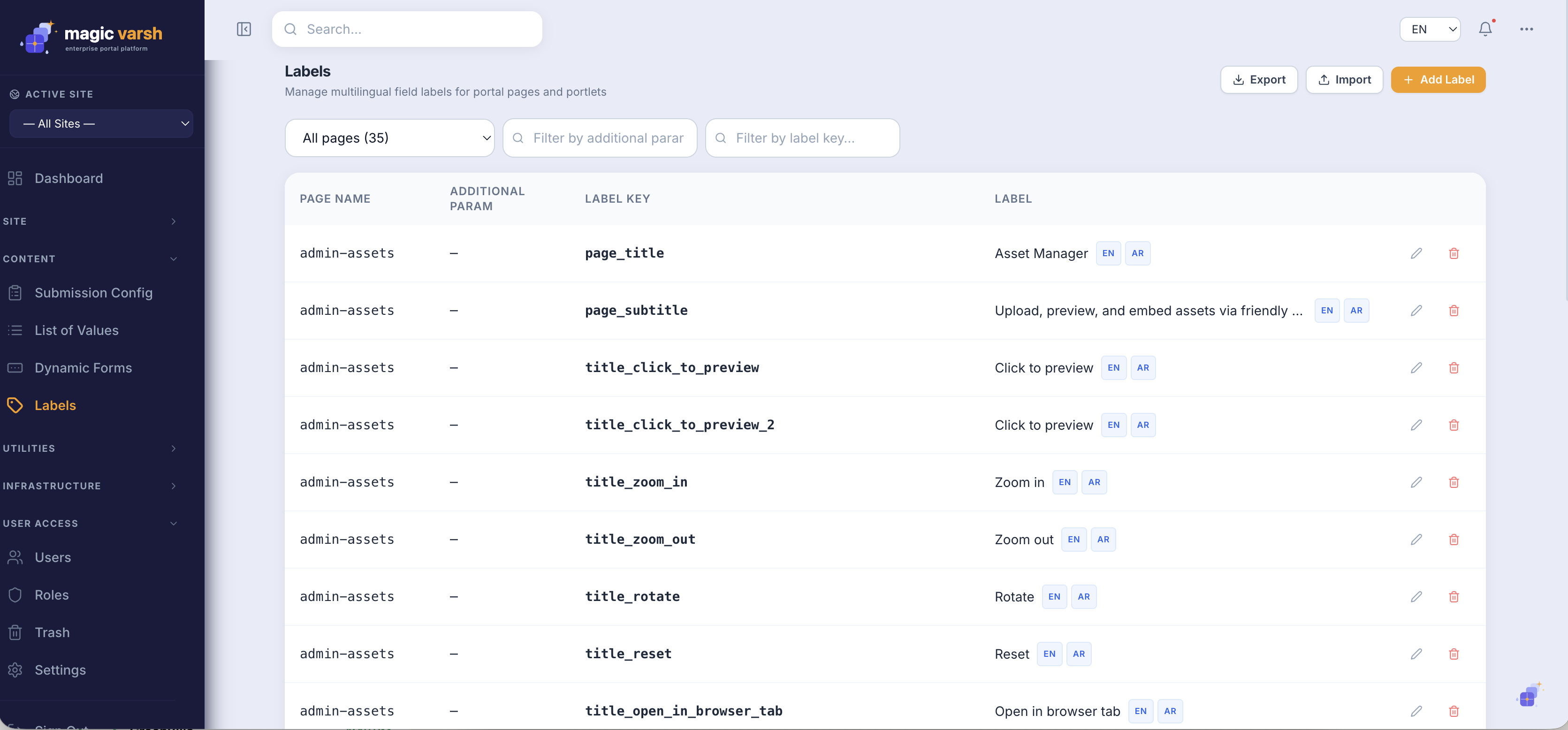
The Labels screen manages reusable interface text and translations — the short strings used across menus, buttons and messages. Update a label once and it changes everywhere it appears.
i
Author content once and provide translations as you go; there's no need to duplicate pages per language.