Signing in
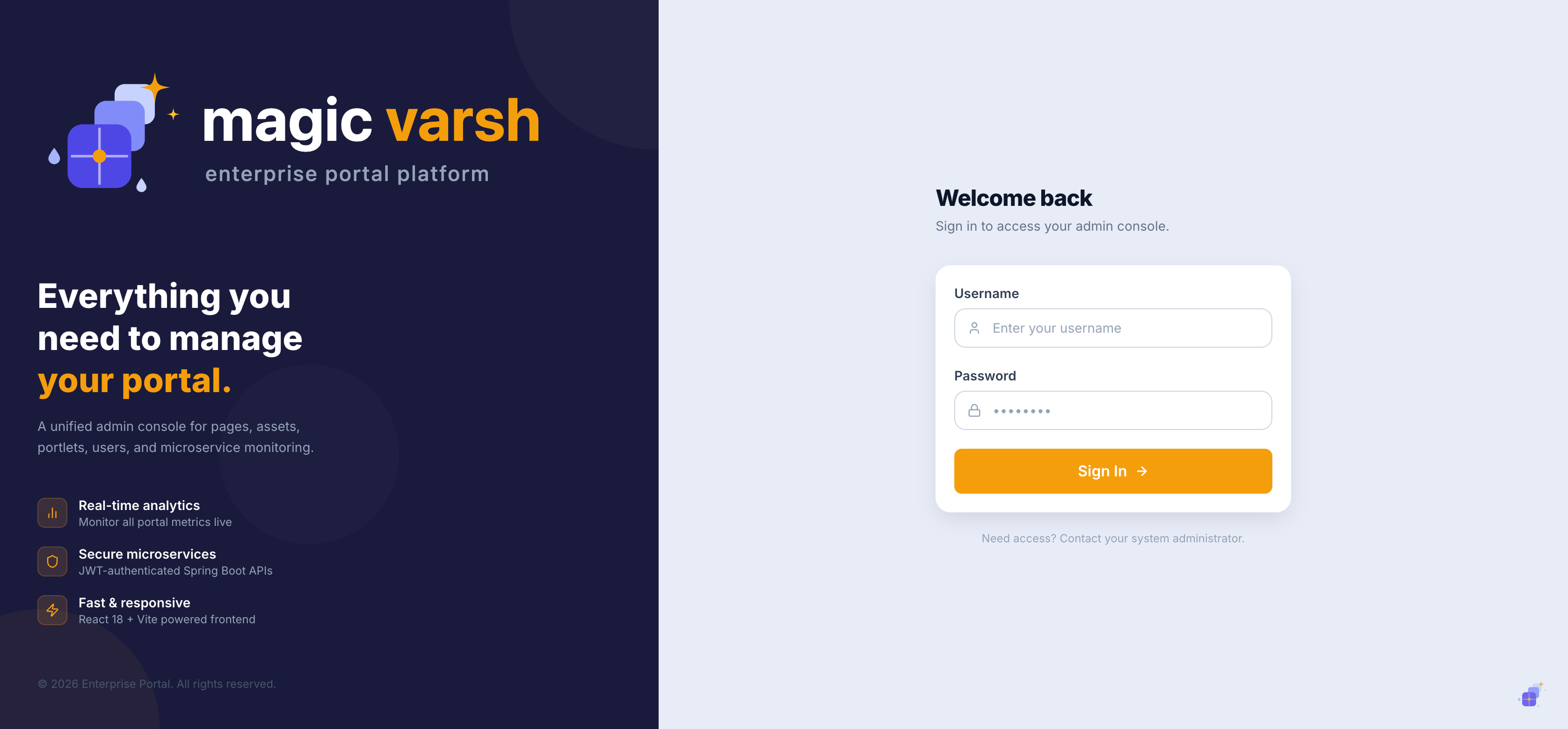
The admin console lives at https://magic-varsh.kalajnalabs.com/admin. Open it in your browser to reach the login screen.
- Go to the admin URL in your browser.
- Enter your username and password.
- If two-factor authentication is enabled, enter the one-time code from your authenticator app.
- Select Sign in to open the dashboard.
i
If you don't have an account yet, ask an administrator to create one for you on the Users & Roles screen.
The admin layout
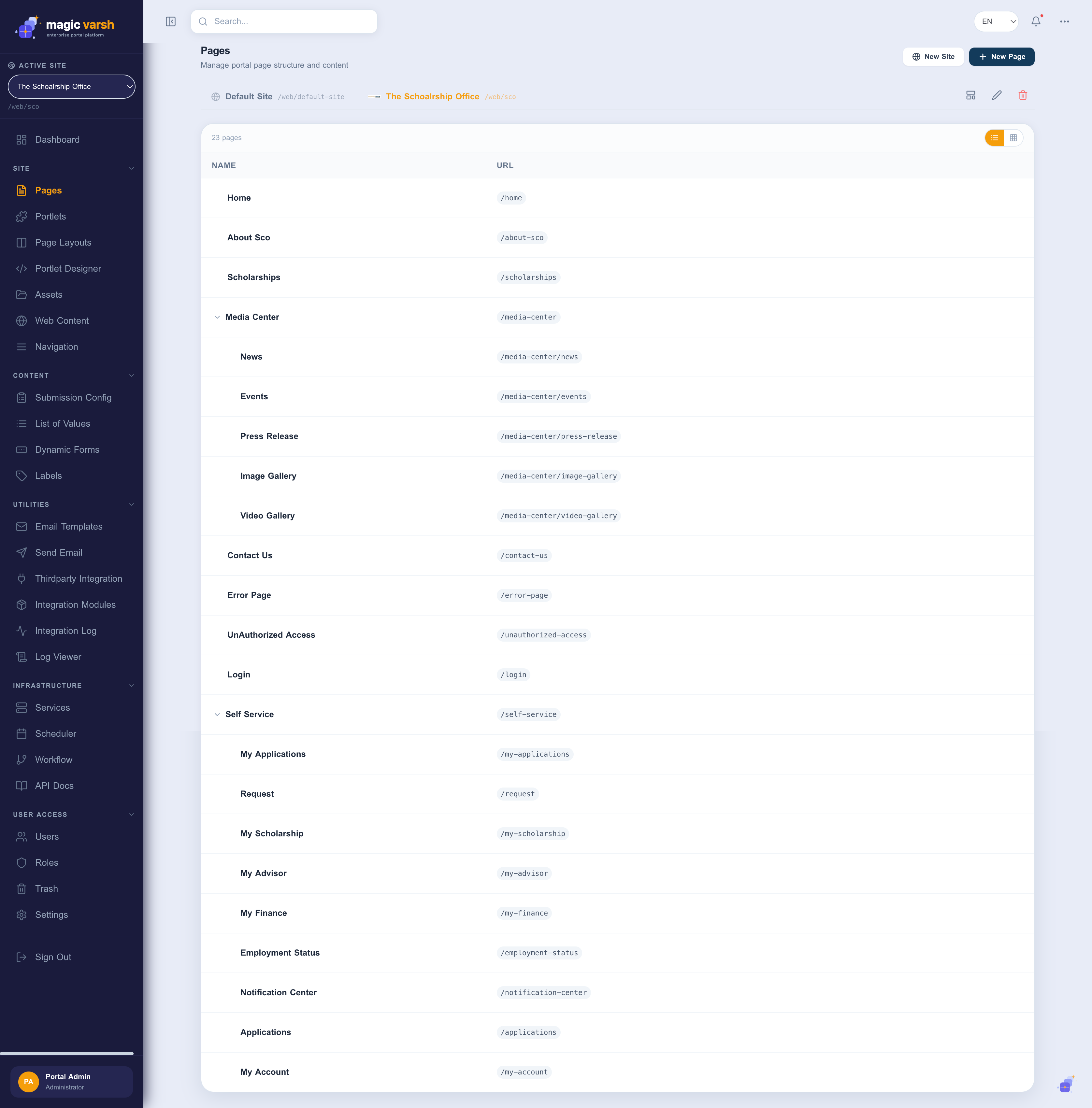
Once signed in you'll see the admin console. The left sidebar lists every feature area; the top bar shows your account, the active language, and quick actions. The main panel is where you do your work.
Switching language
Use the language selector in the top bar to switch the interface and the content you are editing between configured languages. See Multilingual & Labels for details.
Next steps
New to the platform? A good path is: create a page, add some web content, then place a portlet on the page.