Mistakes happen. Magic Varsh protects your work with a recoverable Trash and regular backups so you can roll back when needed.
Restoring from Trash
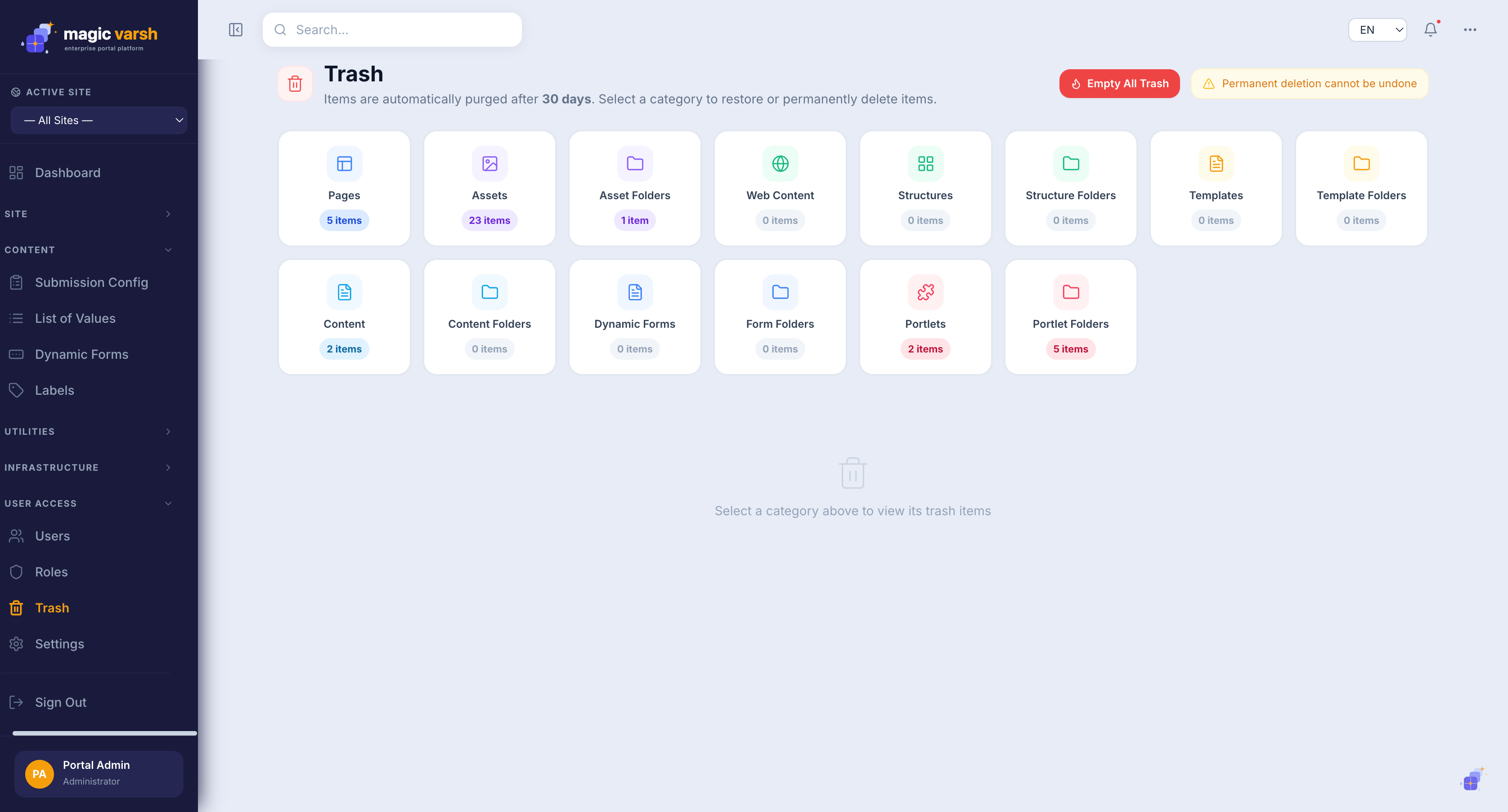
When you delete something it moves to Trash rather than disappearing. Trash is organised by category — Pages, Assets, Asset Folders, Web Content, Structures, Templates, Content, Dynamic Forms, Portlets and their folders — and each tile shows how many items it holds.
- Open Trash from the sidebar.
- Select the category that held the item (for example Pages or Assets).
- Find the item, then Restore it to its original place — or delete it permanently.
Asset versions
Assets keep their previous versions, so beyond Trash you can roll an individual file back to an earlier version from the Asset Manager.
Import & export
Pages, portlets, assets, dynamic forms, labels and integration components can each be exported to a portable file and imported back in — into the same site, a different site, or a different environment entirely (for example moving content from staging to production). The same screens offer bulk actions to move or copy a batch of items straight from one site to another without the export/import round-trip.
Backups
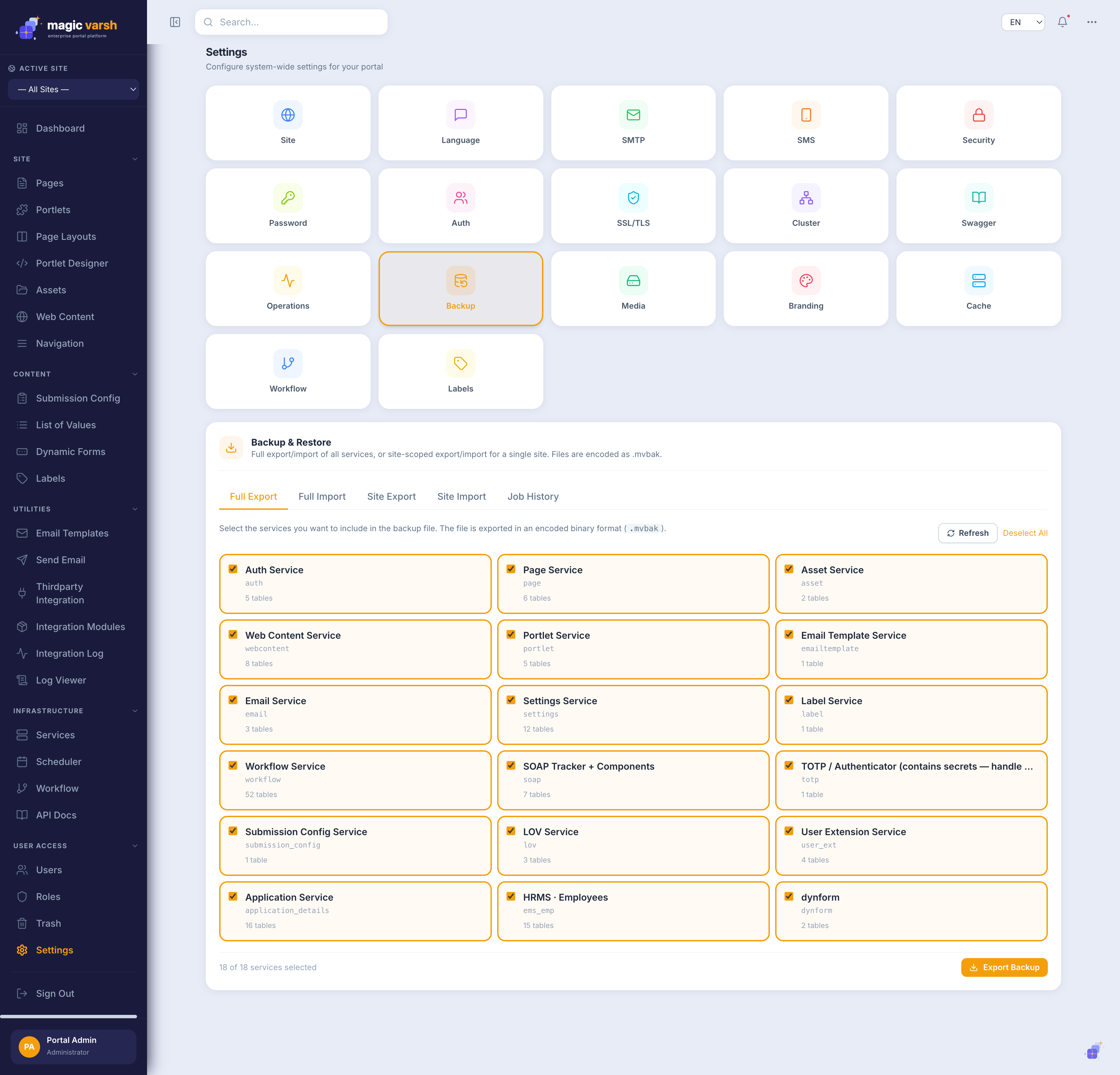
Beyond everyday recovery, the platform takes data backups so the whole system can be restored to an earlier point in time. Backups are configured by administrators under Settings → Backup and run on a schedule. Talk to your administrator about your organisation's backup schedule and recovery process.