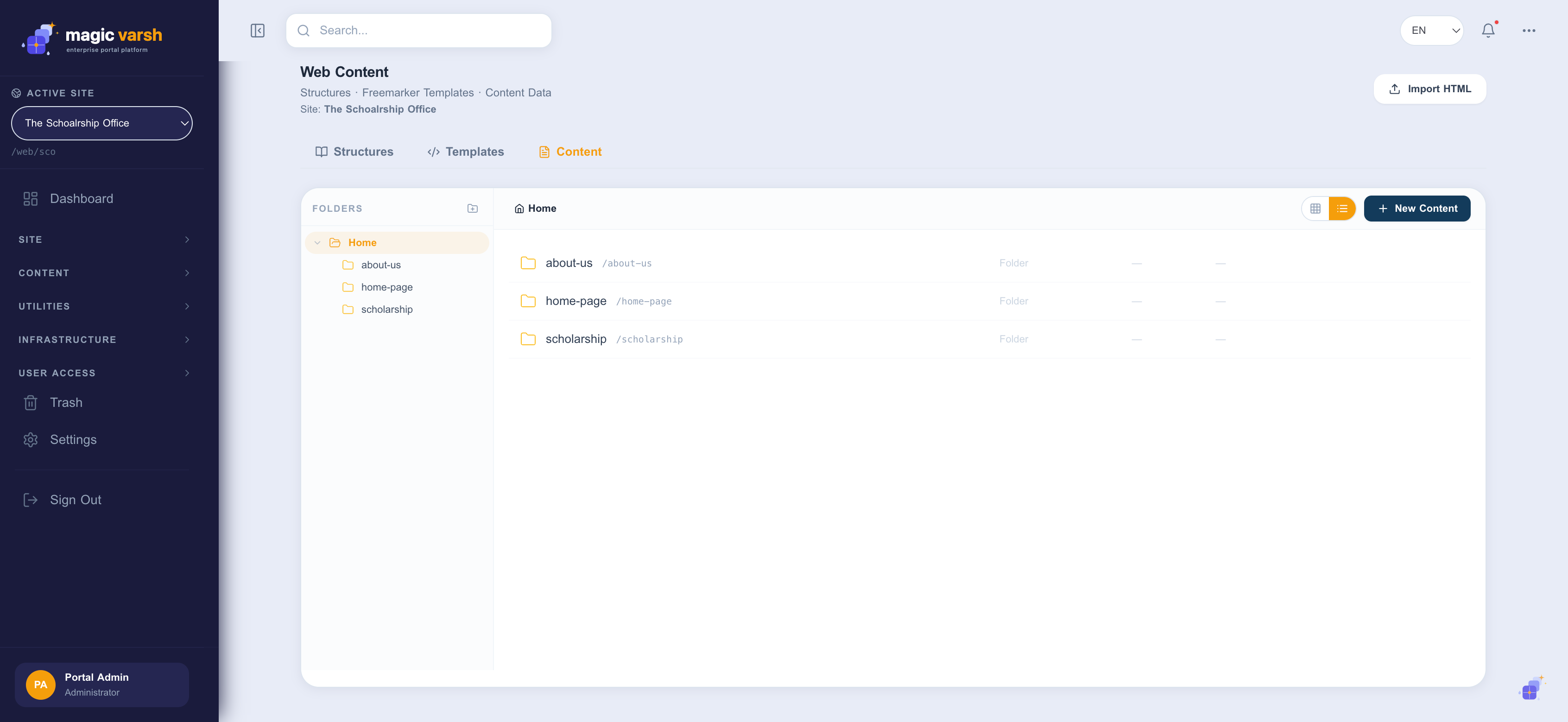
Web content keeps your wording and data separate from page design, so the same content can be reused across pages and rendered consistently. The Web Content area has three tabs — Structures, Templates and Content — and items are organised into folders. You can also Import HTML to bootstrap content.
Importing HTML
Import HTML converts pasted markup straight into a matching structure and template, so you don't have to build either by hand for existing content. It recognises text, rich text, images, page links and repeated groups of similar elements (turning them into one repeatable field instead of duplicating a field per item), and it carries over any inline styles and scripts so imported sections render exactly as they looked in the source. Review each detected section before importing and switch off any you don't want.
Structures
A structure defines the fields a piece of content has — for example a news article might have a title, summary, body and image. Define the structure once and every article follows the same shape.
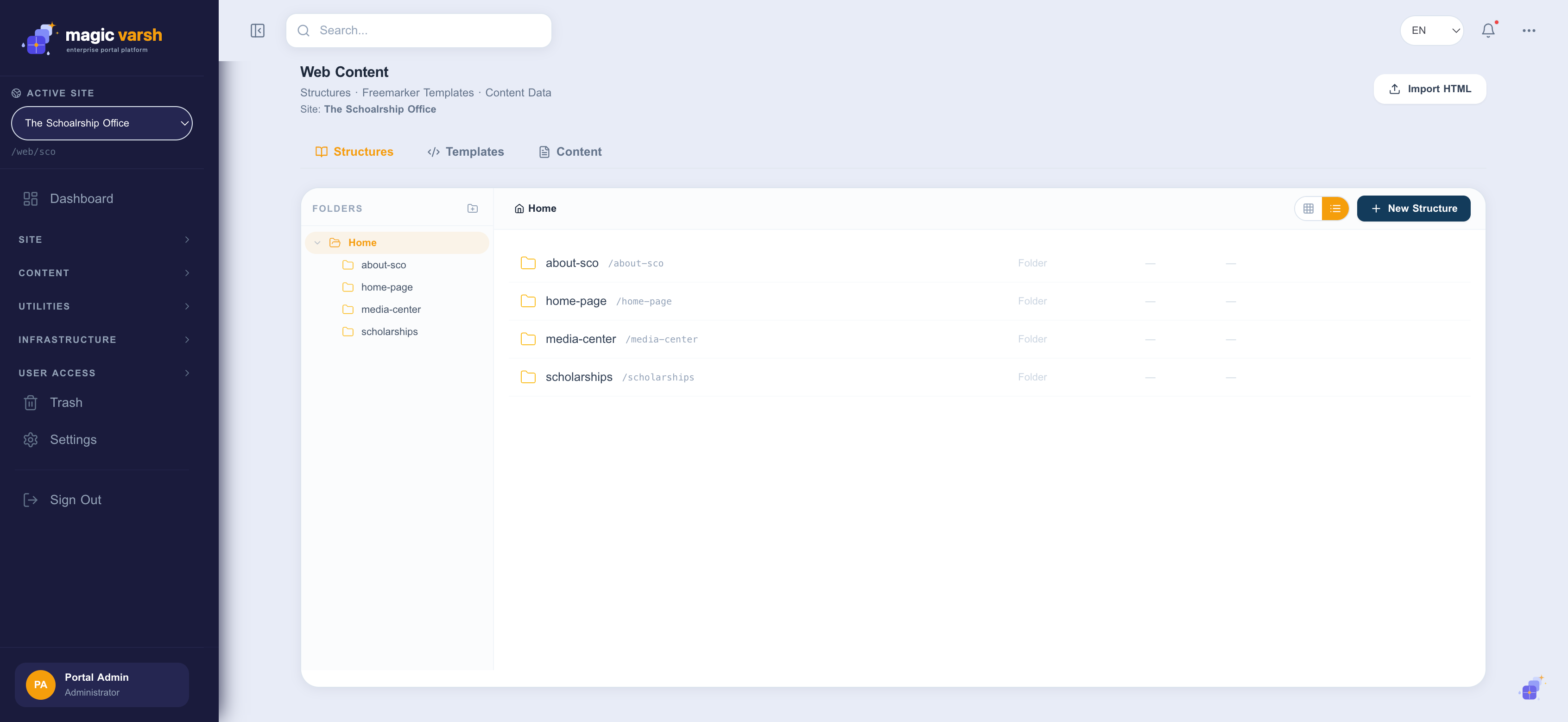
- Open Web Content and select the Structures tab.
- Select New Structure and add fields (text, rich text, image, date, and so on).
- Mark which fields are multilingual, then save.
Templates
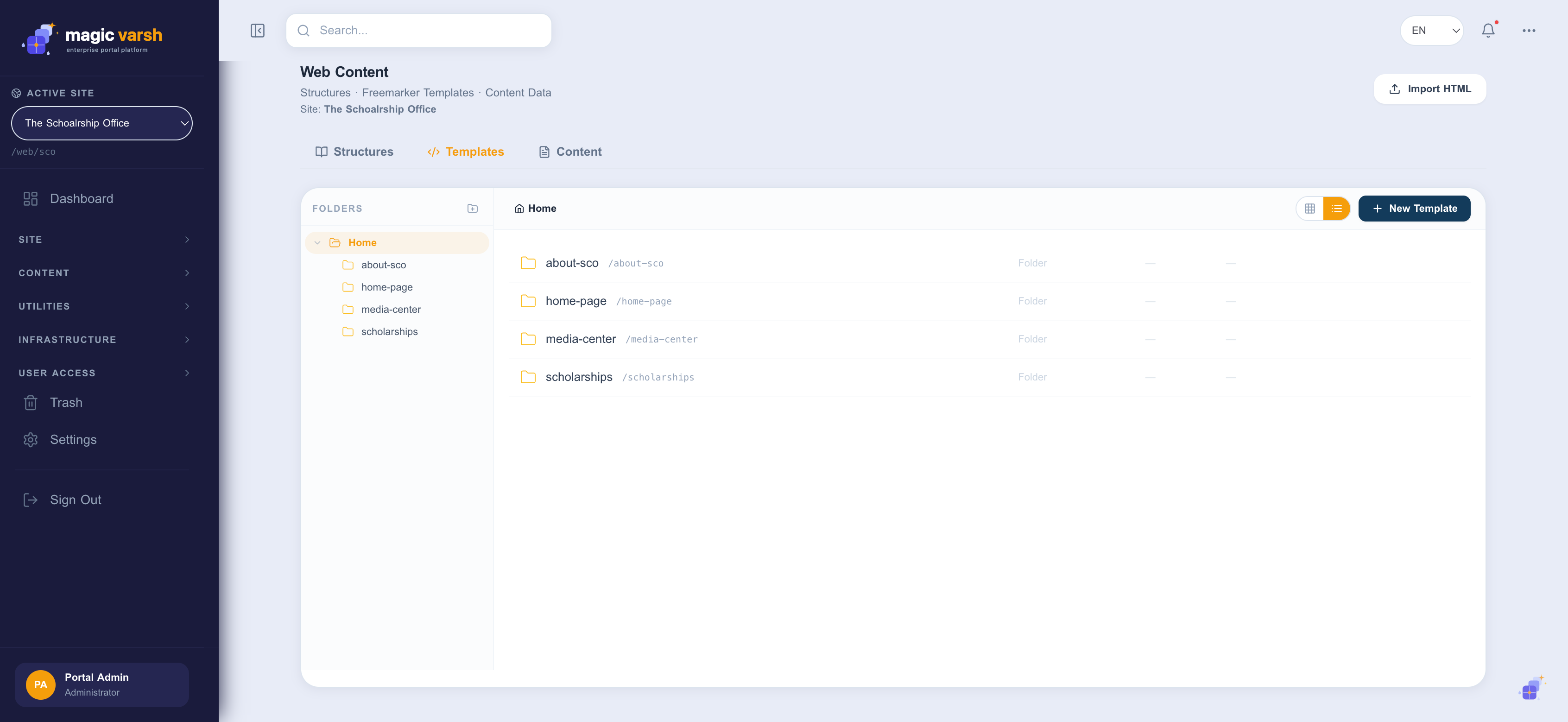
A template decides how a structure is displayed — the markup and styling wrapped around the fields. Magic Varsh uses Freemarker templates, so pairing a structure with a template means authors fill in fields and the output is always on-brand.
Authoring content
- Open Web Content → Content and select New.
- Choose the structure to use.
- Fill in the fields for each language.
- Save as draft, or publish to make it available to pages.