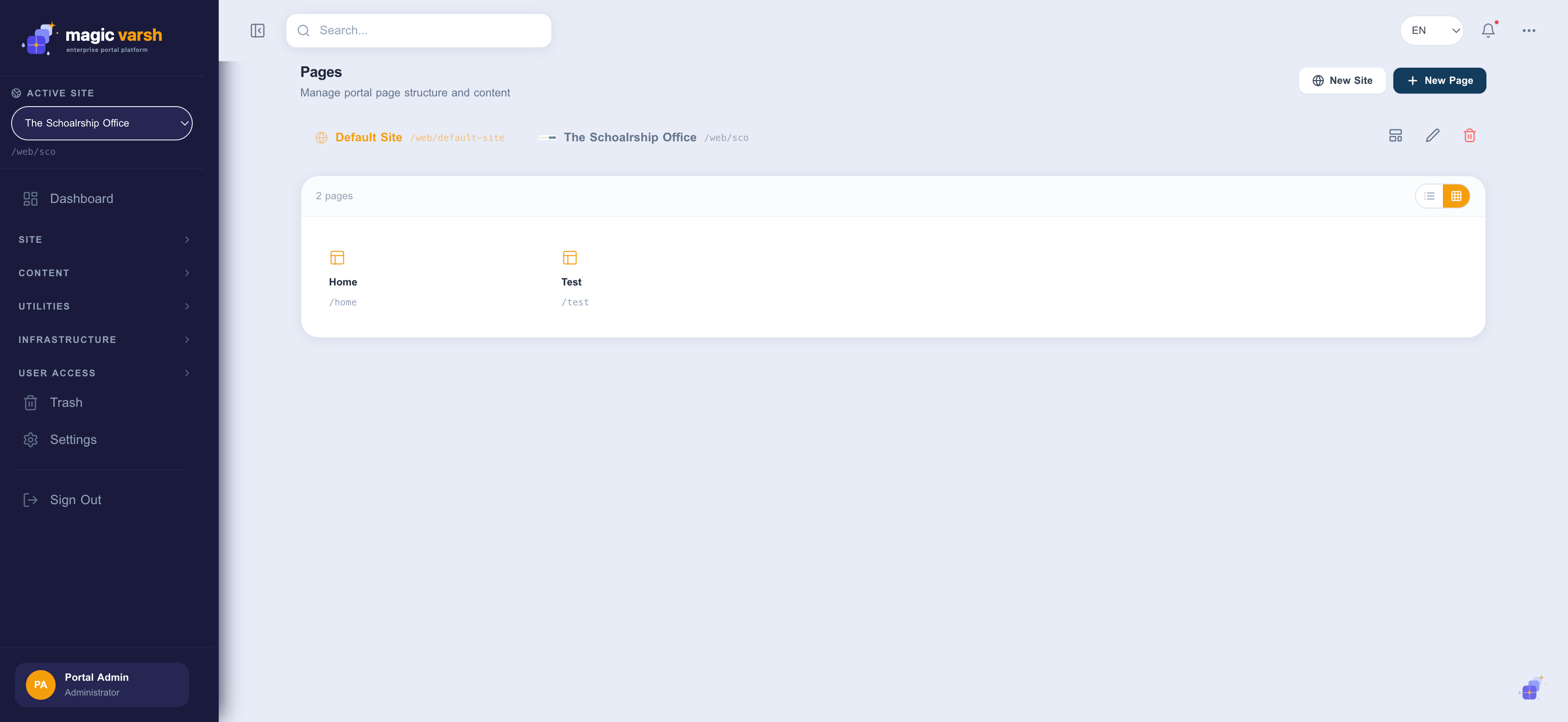
Pages are the backbone of your site. The Pages area lets you create pages, arrange them into a navigation tree, choose a layout, and place content and widgets on each one. The platform is multi-site: tabs at the top let you switch between sites (for example a default site and additional sites), each with its own pages and friendly base URL.
Creating a page
- Open Pages from the sidebar.
- Choose the site you are working on using the tabs at the top (or select New Site to add one).
- Select New Page.
- Give the page a name (which you can provide in each language) and a friendly URL.
- Pick a page layout, then save.
Using the page editor
Opening a page launches the editor. Choose a layout with one or more regions, then drag content and portlets into each region. Changes can be previewed before you publish.
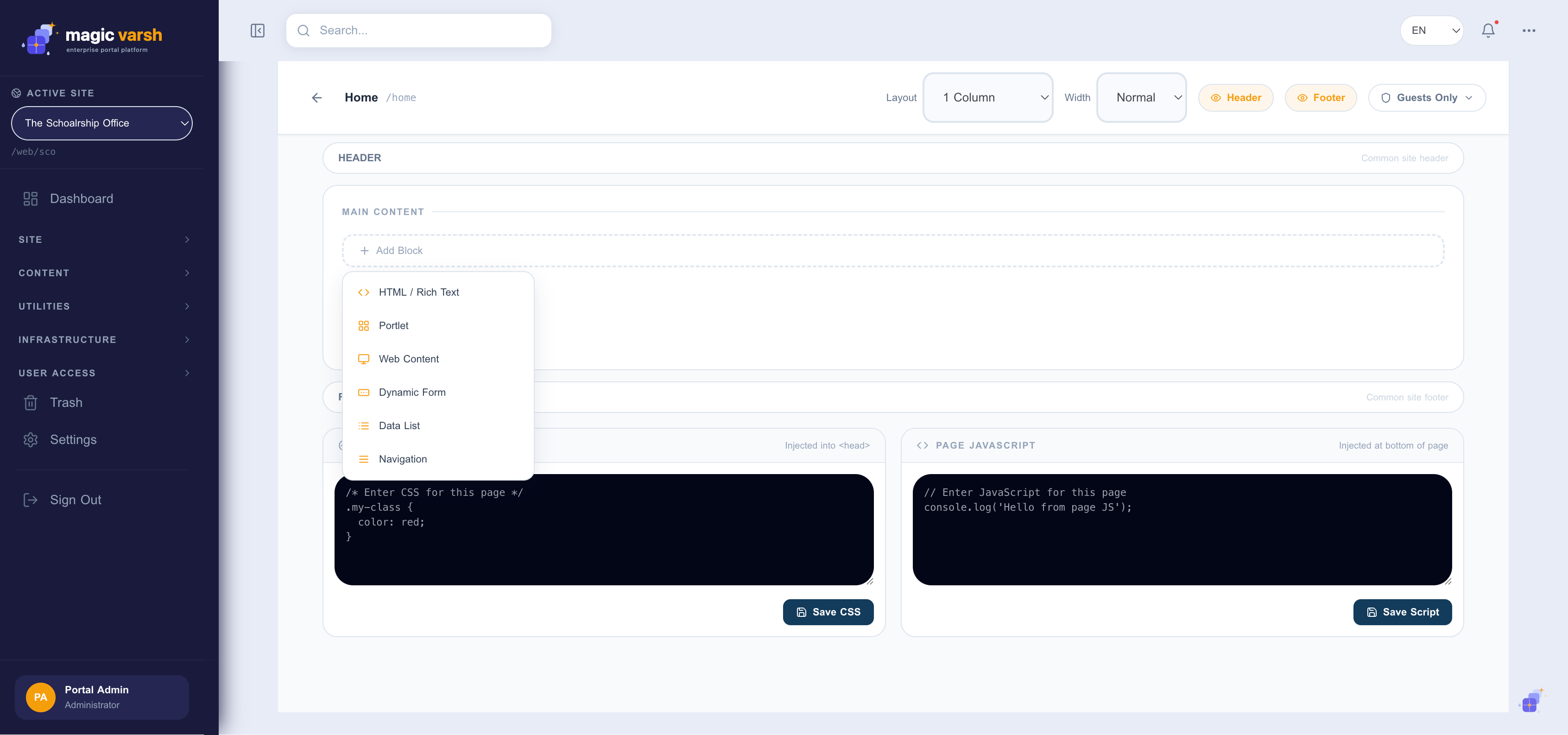
- From the Pages list, select a page to open the editor.
- Drag a widget or content block from the palette into a region.
- Configure the block using its settings panel.
- Use Preview to check the result, then Publish to make it live.
Page layouts
Layouts define the column structure of a page (for example one column, or a sidebar plus main area). The Page Layouts screen lets you manage the layouts available to authors.
Site navigation
The Navigation screen controls the menus visitors use to move around your site. Arrange pages into a tree, reorder them by dragging, and nest pages to create dropdown menus.