The Asset Manager is the single home for every file used across your site — images, PDFs, documents and other media. Upload once, organise into folders, and embed assets anywhere via friendly URLs. The library shows folders and items in a grid or list view.
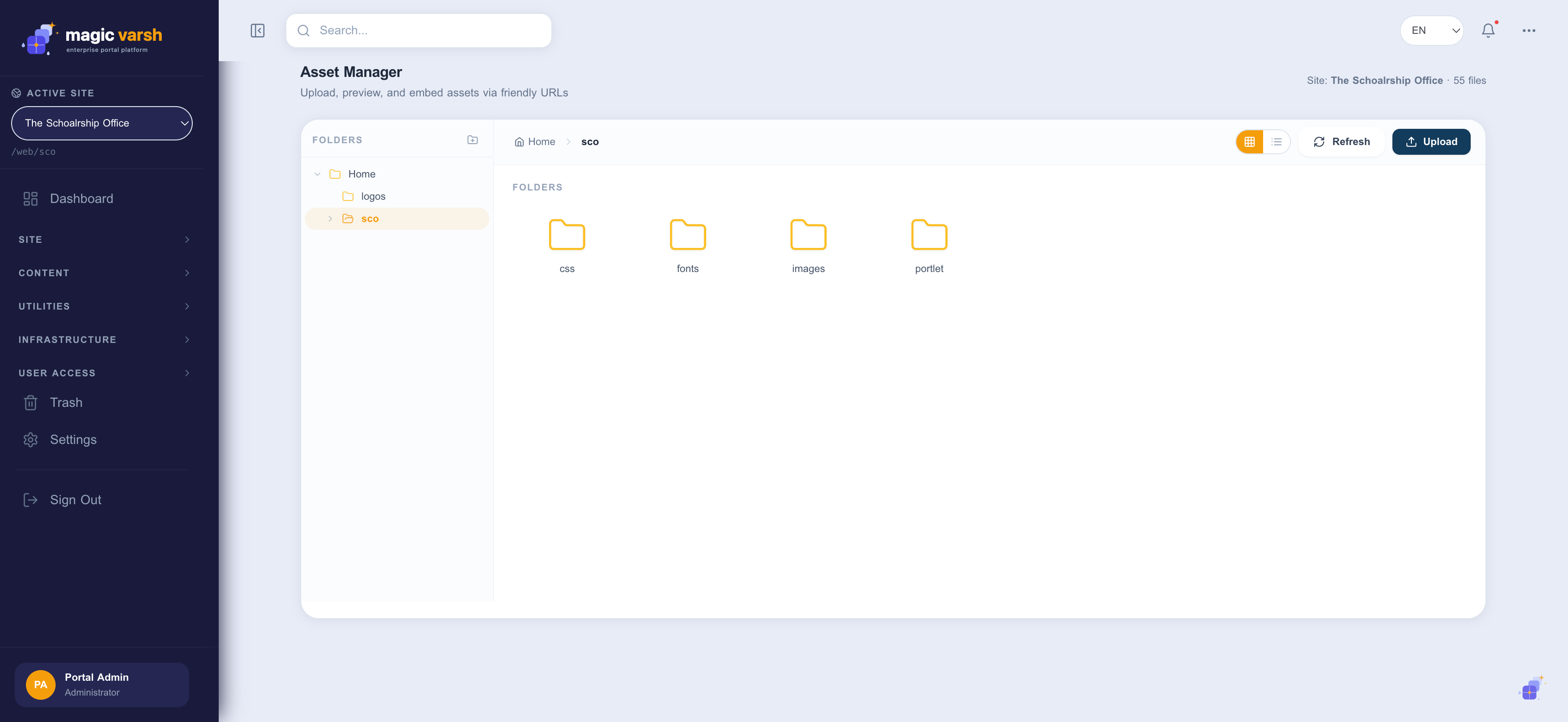
Uploading assets
- Open Assets from the sidebar.
- Open the folder you want, or create a new one.
- Select Upload and choose one or more files.
- Add a title and description (multilingual) so the asset is easy to find.
- Save — the asset is now available everywhere via its friendly URL.
Organising and reusing
Use folders, search and the grid/list views to keep large libraries tidy. When editing a page or content item, pick assets directly from the library instead of re-uploading them.
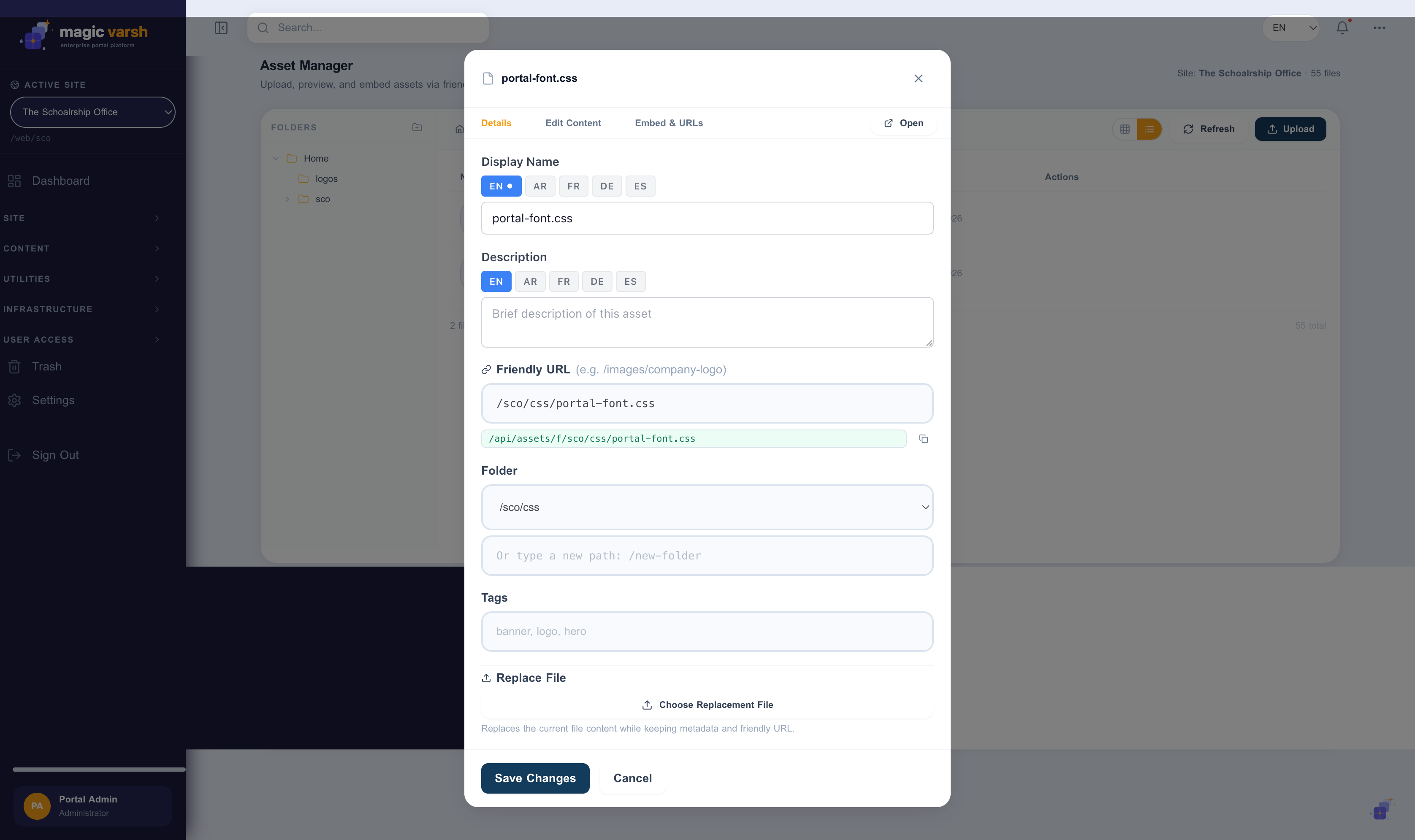
Versions and restore
Assets are versioned. When you upload a new copy of a file the previous version is kept, so you can review history and restore an earlier version if needed. Deleted assets move to Trash and can be recovered from there.
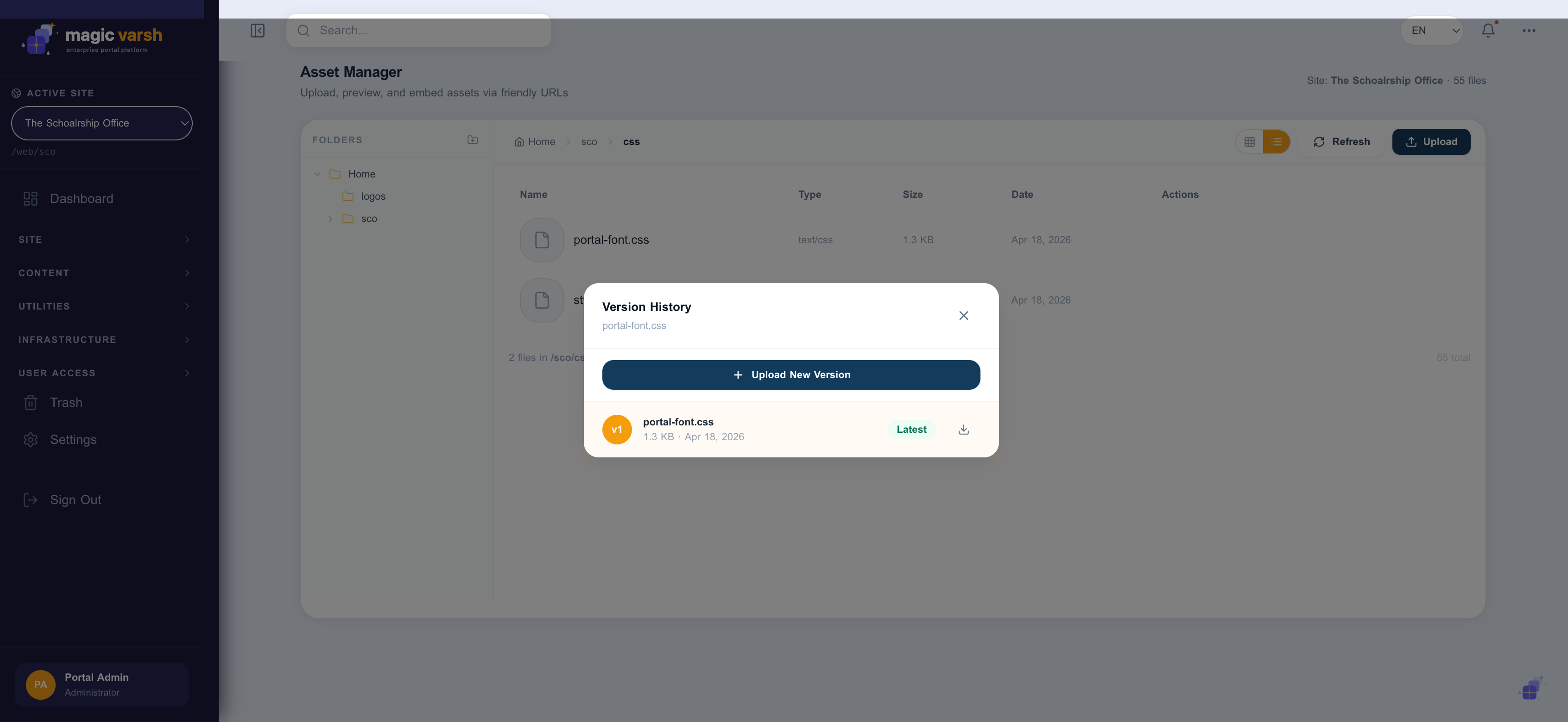
i
Keeping media in the asset library means you can update a file in one place and have the change reflected everywhere it is used.